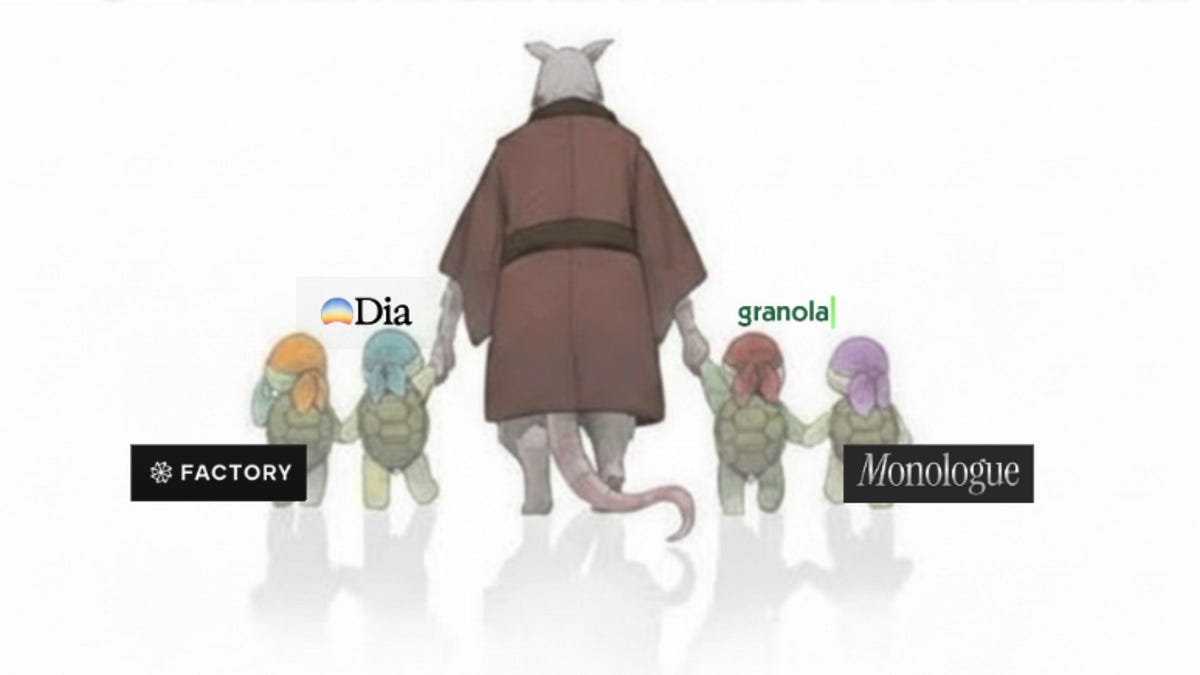
New AI tools launch every week by the dozens. But how many do you actually open daily? Ben Tossell — founder of Ben's Bites, an AI newsletter with over 150K subscribers — gave us the answer. "Honestly, that's pretty much it," he wrote, revealing a daily stack of exactly 5 tools.
What Is This?
Ben Tossell occupies a unique position in the AI space. He built a 7-figure business from a single newsletter and now works as DevRel at Factory, an AI coding agent company. He tests dozens of AI tools every day. That's why his "daily driver" list matters — when someone who's tested 100+ tools keeps only 5, it means the other 95 didn't earn a daily spot.
Here's the list:
A browser-based AI coding tool. Ben says "the actual agent is better than Claude Code" — it doesn't just list files and search patterns, it writes code and submits PRs. He built a timezone converter in one morning session.
Records meetings without a bot joining the call — it captures device audio directly. "Not being present in the call is just better for everyone." Zapier integration exists, but he's waiting for API/MCP support.
A browser with AI accessible on any webpage or new tab. Custom skills enable quick workflows like "pull all the AI news from Hacker News today."
"Mostly only using these on mobile," he admitted. No loyalty to either — he flips between them. Desktop coding work has been replaced by Factory.
Replaced Whispr Flow for speech-to-text transcription on laptop.
On email tools, Ben noted he's "tried a bunch but nothing is perfect," so he's building his own with Factory. The AI tool curator's conclusion being "if it doesn't exist, build it yourself" says a lot.
What's Different Here?
The real lesson from Ben's list is the selection criteria. All 5 tools map precisely to specific daily recurring tasks — not general-purpose Swiss Army knives, but tools that do one thing exceptionally well.
| Tool | Category | Monthly Price | Why It Survived | Alternatives |
|---|---|---|---|---|
| Factory.ai | AI Coding | $0–$200 | End-to-end PR automation, not just suggestions | Cursor, Claude Code, Devin |
| Granola | Meeting Notes | $0–$14 | No bot — zero friction for participants | tl;dv, Otter, Fireflies |
| Dia Browser | AI Browser | Free (invite) | AI callable from any webpage instantly | Arc, Opera, Perplexity |
| ChatGPT/Claude | General AI Chat | $20 | Quick mobile Q&A | Gemini, Perplexity |
| Monologue | Voice Input | $10 | Speak-to-type anywhere | Whispr Flow, macOS Dictation |
Three patterns stand out:
First, general-purpose AI got demoted. ChatGPT and Claude are on the list, but limited to "mobile only." Core desktop workflows — coding, meetings, research — each have a dedicated tool. The era of using a general chatbot as your main work tool is already fading.
Second, invisible AI won. Granola starts automatically without participants knowing, Dia embeds AI into the browser itself, and Monologue activates by simply talking. Tools where users don't consciously think "I'm using AI right now" are the ones that get opened daily.
Third, the total monthly cost is under $50. Factory free + Granola free + Dia free + ChatGPT $20 + Monologue $10 = $30. Building an AI tool stack costs less than a month of coffee.
How to Get Started: Build Your Own Daily AI Stack
Ben's list being 5 tools isn't a coincidence. People typically max out at 3–7 daily-use tools. Think about today: coding, meetings, email, research, writing — where do you spend the most time? Map one AI tool per task as your starting point.
Most of Ben's recommendations have free tiers. Factory.ai offers free BYOK, Granola Basic is free, Dia is free by invitation, and Monologue has 1,000 free words. Don't pay upfront — confirm over 2 weeks that you actually open it daily. Tools you still use after 2 weeks are your real daily drivers.
Tools that require opening a separate window, typing prompts, and copy-pasting results don't last. Choose tools that blend naturally into your workflow — auto-starting like Granola, browser-embedded like Dia, or voice-activated like Monologue.
Even testing hundreds like Ben, only a handful survive. On the first week of each month, check which AI tools you haven't opened in 30 days and cancel them. Unused $20/month subscriptions add up to hundreds per year.
Go Deeper
Check out Ben Tossell's original post for tool links and invite codes. Fritz.ai has a detailed Factory.ai review with benchmark comparisons. For an in-depth Granola review based on 20+ real meetings, see tl;dv's blog. If you want broader AI tool comparisons, Clickforest covers ChatGPT vs Claude vs Perplexity.