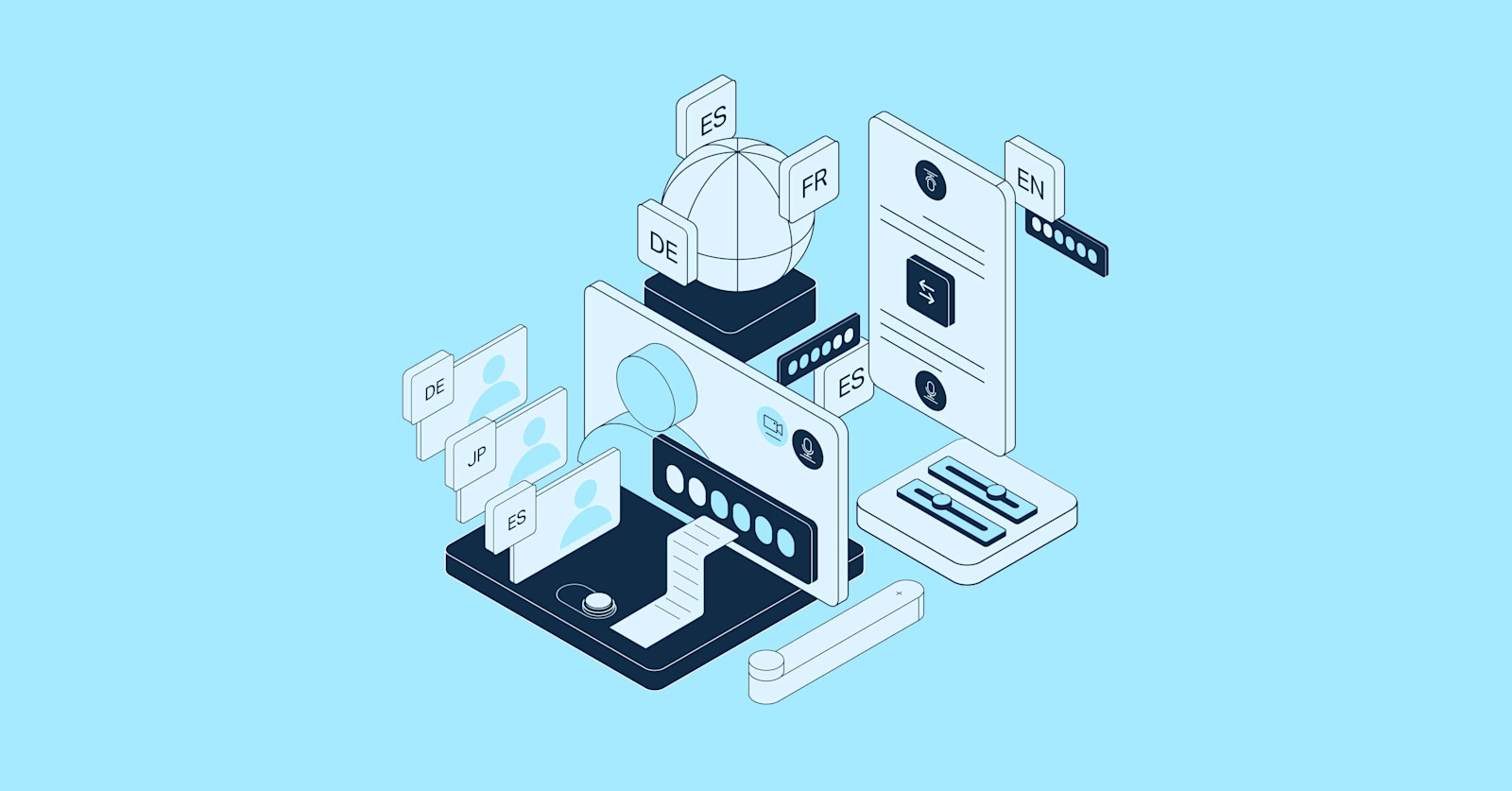
A customer calls in Spanish, but the agent only speaks Korean. Before, it would end with "Let me transfer you to an English-speaking agent." Now you don't have to hang up that call.
What Is This?
DeepL officially launched its Voice API in February 2026. In short, it's an API that streams audio in and returns real-time speech recognition + translation simultaneously. Think of it as the voice version of DeepL's existing text translation API.
DeepL is an AI translation company that started in Cologne, Germany. They raised $300 million in May 2024 at a $2 billion valuation. As of late 2024, annual revenue was $185 million with 1,570 employees. They're serious about translation accuracy — in blind tests, language experts preferred DeepL translations 1.3x over Google and 2.3x over Microsoft.
The Voice API has three key features:
- WebSocket-Based Real-Time Streaming
Not HTTP request-response but WebSocket connections — keep streaming audio in and translations keep flowing out. Latency is extremely low. - Simultaneous 5-Language Translation
A single audio stream can be translated into up to 5 target languages at once. This means conference call participants can each receive captions in their native language. - Voice-to-Voice Real-Time Interpretation (Early Access)
Instead of text, it plays back translated audio directly. Agents hear the customer's words in their own language in real time.
The target customers are clear. Contact centers and BPO (outsourcing) companies are priority #1. Calls that had to be transferred due to language barriers, global meetings that required hired interpreters — these scenarios can use it immediately.
What Makes It Different?
Real-time voice translation isn't DeepL's exclusive territory. Google Cloud Speech-to-Text, Microsoft Azure Speech, OpenAI Realtime API — lots of competitors. But the approach is different.
| Traditional (Manual/Sequential Translation) | DeepL Voice API | |
|---|---|---|
| Processing | Record → STT → Translate → Deliver (sequential) | Real-time streaming (simultaneous) |
| Latency | Several seconds to tens of seconds | Sub-second low latency |
| Translation accuracy | General-purpose models | Expert blind test 1.3x (vs Google) |
| Simultaneous languages | 1 | Up to 5 simultaneously |
| Integration method | REST API (request-response) | WebSocket (bidirectional streaming) |
| Post-editing burden | 2x edits needed vs Google | Minimal edits (3x fewer than GPT-4) |
Let's also compare by competing tool:
| Tool | Strength | Weakness | Voice Translation |
|---|---|---|---|
| DeepL Voice API | Top-tier translation accuracy, 5 simultaneous languages | Enterprise-only, pricing undisclosed | STT + Translation + Voice-to-Voice |
| Google Cloud STT + Translate | 125 languages, affordable | Translation quality lower than DeepL | STT → Translation (separate APIs) |
| Microsoft Azure Speech | Native Teams integration | Translation accuracy 2.3x lower than DeepL | STT + Translation integrated |
| OpenAI Realtime API | Strong for conversational AI agents | Not a translation-specialized tool | Voice I/O (not translation-focused) |
| Sanas | Accent transformation specialist, 20 BPOs adopted | Accent neutralization, not translation | Accent conversion (not translation) |
According to Forrester research, companies using DeepL achieved 90% reduction in translation time, 50% workload reduction, and 345% ROI. This includes text translation numbers, but adding Voice API should boost voice-based workflow efficiency even further.
Real deployment examples
IT consulting firm Inetum uses DeepL Voice to distribute internal support teams across countries, supporting all employees regardless of language. Global bakery company Brioche Pasquier reported that after deploying Voice for Meetings, "collaboration barriers between country sites disappeared."
The Essentials: How to Start with DeepL Voice API
- Check your API plan
Voice API is available on DeepL API Pro ($5.49/mo base) and above. Enterprise subscribers get direct access via the v3 endpoint. - Open a WebSocket session
POST v3/voice/realtimereturns a temporary streaming URL + auth token. This token is single-use. - Start audio streaming
Open a WebSocket connection to the received URL and send a mono audio stream. Audio must be sent within 30 seconds to keep the connection alive. - Receive translation results
Original language transcription and target language translation come back in real time. Continuous sessions up to 1 hour are supported. - Integrate into existing systems
Display translation results as subtitles or real-time text in your contact center software, CRM, or video conferencing tools — and you're done.
Note
The official DeepL SDK doesn't yet include Voice API integration. You'll need to use WebSocket client libraries directly. The DeepL CLI tool does support Voice API.
Beyond Voice — The Full DeepL Platform Picture
Looking at Voice API in isolation misses the bigger picture. DeepL is currently building a full platform: Translation API → Write API → Voice API.