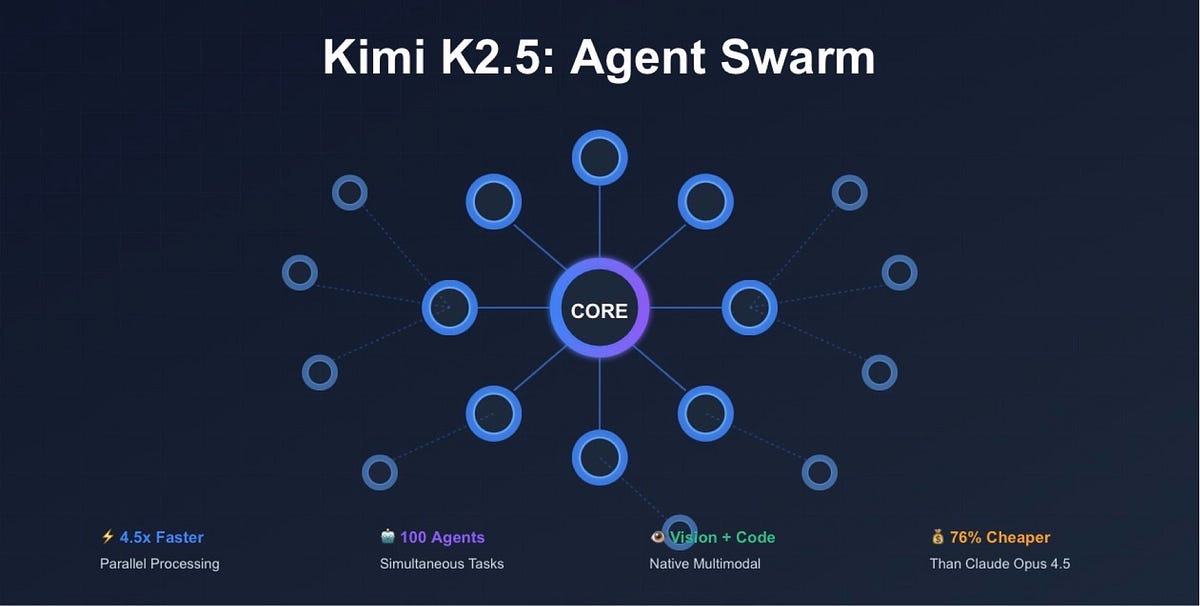
Someone had Claude Code write the plan, then handed implementation to Kimi CLI — and the refactoring came back "art-level." They even built a script that auto-delegates implementation commands to Kimi and gets results back via status.md.
What Is It?
The era of using just one AI coding tool is ending. Now it's about splitting roles between AIs and letting them collaborate.
Kimi Code CLI is an open-source terminal-based coding agent built by Moonshot AI, a Chinese AI company. It has 7,000+ GitHub stars, 1,100+ commits, and 48 contributors actively developing it. It can read and modify code, execute shell commands, search the web, and autonomously plan and coordinate tasks.
Here's the thing — Kimi CLI occupies a similar niche as Claude Code, but with different strengths. The latest Kimi K2.5 model uses a 1-trillion-parameter Mixture-of-Experts architecture (32B active) and scores 76.8% on SWE-bench Verified — close to GPT-5.2's 80%. It particularly excels at generating clean architectures for code refactoring and implementation tasks.
But what @focusrefresh discovered is even more interesting. When you combine Claude Code's reasoning ability with Kimi CLI's implementation capability, the synergy is explosive. Claude designs the architecture, and Kimi delivers implementation that "truly embodies the spirit of agentic engineering." This is multi-AI agentic engineering in action.
Under the hood, Kimi CLI is built around KimiSoul — an execution engine with fully separated agent system, tool system, and UI layer. It even has a checkpoint-based "time travel" mechanism, letting you roll back to a previous state if something goes wrong mid-task.
Key Analogy
Claude Code = Project Manager (planning, architecture decisions)
Kimi CLI = Senior Developer (clean implementation, refactoring)
delegate-opus script = Slack bot (auto-routes tasks between them)
What Changes?
No single AI can do everything well.
This follows a fundamental principle of software engineering. IBM calls it "AI agent orchestration" — to handle complex workflows, each agent should take on a specialized role. In practice, Mae Capozzi built "hub-team," a Claude Code-based multi-agent orchestrator that automates a 6-step workflow: Planning → Git Setup → Implementation → Testing → Review → PR Creation.
| Single AI | Multi-AI Combo (Claude + Kimi) | |
|---|---|---|
| Design Quality | Limited by one model's reasoning | Claude's superior reasoning for architecture |
| Implementation Quality | Design and implementation mixed, context pollution | Kimi implements in a clean context |
| Cost | Expensive model handles everything | Expensive model for planning only, cheaper model for implementation |
| Speed | Sequential processing, long wait times | Parallel processing via delegation scripts |
| Context Management | All info accumulates in one long session | Context separated by role, quality maintained |
| Extensibility | Locked into one tool | Pluggable design, swap tools freely |
@focusrefresh summed up this philosophy in one line: "Make every tool pluggable." From a Kimi session, you can use the delegate-opus script to reverse-delegate to Claude — "Hey, review this plan for me." It's bidirectional delegation.
Cline CLI 2.0 also ships with free Kimi K2.5 access, declaring that "coding agents are no longer assistants — they're collaborators." You can run multiple agent instances in parallel from the terminal, piping them into automation pipelines via stdin/stdout. The infrastructure for multi-AI workflows is already here.
Getting Started
- Install Kimi CLI
One line in your terminal. You'll need Python 3.12–3.14 (3.13 recommended).
On first run, usecurl -LsSf https://code.kimi.com/install.sh | bash kimi --version # verify installation/loginto authenticate. Kimi Code platform OAuth is the easiest option. - Set Up Claude + Kimi Role Splitting
Start with Claude Code for planning. Use Plan mode to design the architecture and generate an implementation_plan.md. Then open Kimi CLI and hand it that plan.# Claude Code generates the plan claude "Create a refactoring plan for this project. Save as implementation_plan.md" # Kimi CLI implements it kimi "Read implementation_plan.md and implement it exactly" - Build an Auto-Delegation Script
Like @focusrefresh, you can create a script that auto-delegates implementation commands to Kimi and receives results via status.md. The core idea is simple — save Claude Code's output to a file, then batch-process it with Kimi CLI's--printmode.# delegate-to-kimi.sh (example) claude --print -c "Write the refactoring plan" > plan.md kimi --print -c "Read plan.md and implement. Write results to status.md" cat status.md - Set Up Reverse Delegation (delegate-opus)
From a Kimi session, you can also delegate back to Claude — "Please review this plan." Build a script that calls Claude from within Kimi, and you have bidirectional collaboration. Kimi CLI supports MCP (Model Context Protocol), so you can also connect other AI tools via MCP servers. - Share Project Context via AGENTS.md
Run/initin Kimi CLI and it analyzes your project structure to generate AGENTS.md. This file helps Kimi understand your project better — it's the equivalent of Claude Code's CLAUDE.md. You can enforce the same project rules across both AIs.
Heads Up
Kimi CLI requires user approval before executing shell commands by default. For automation pipelines, you'll need -y or -yolo mode — but use these carefully on production codebases.