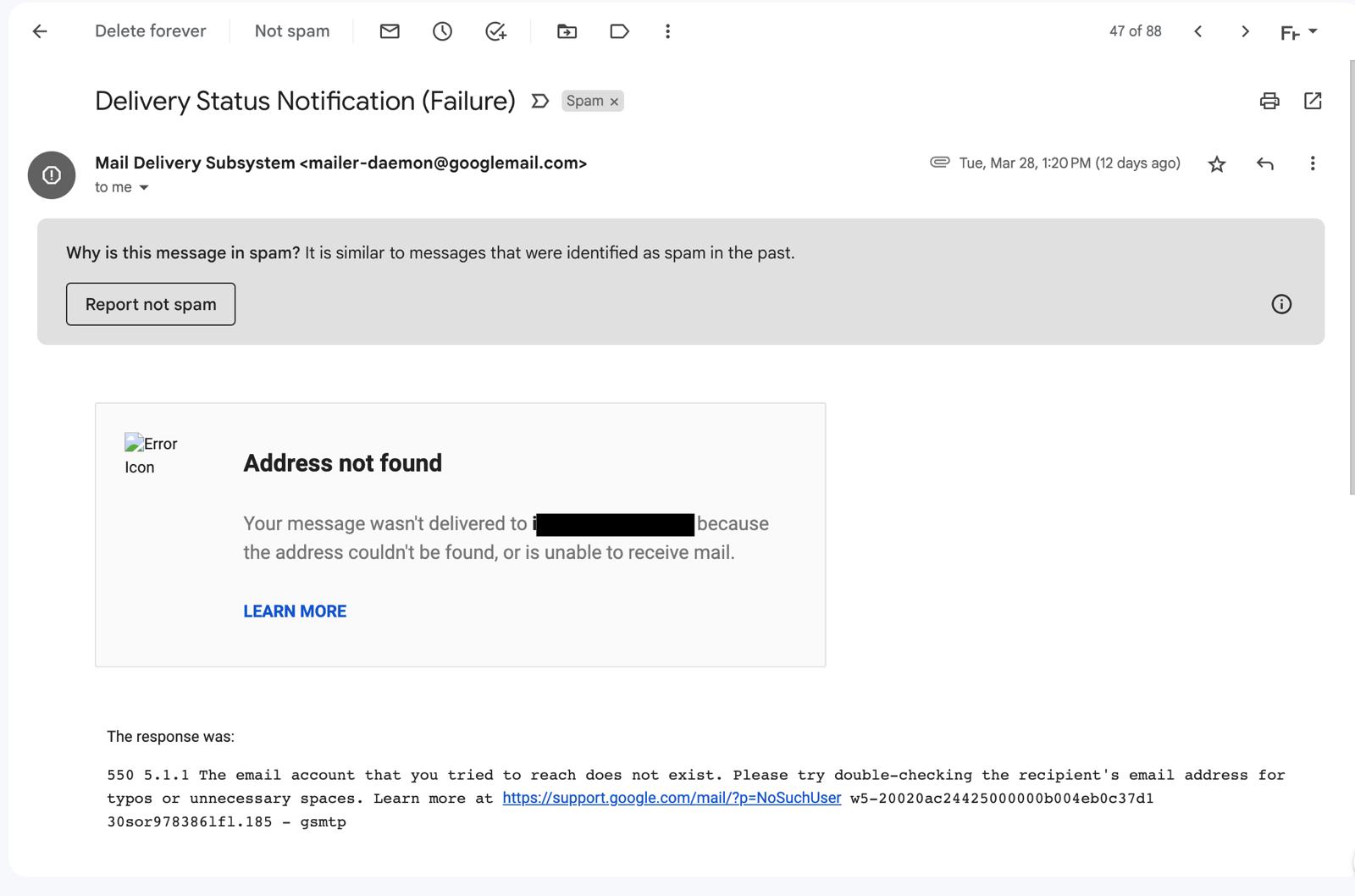
That email you spent an hour writing? It might be sitting in their spam folder right now. In 2026, 16.9% of emails never reach the inbox — 10.5% end up in spam, 6.4% vanish entirely. The kicker: senders usually have no idea. There's no failure notification.
Why is my email going to spam?
Email deliverability problems usually come down to three causes: SPF/DKIM/DMARC misconfiguration, sending IP blacklisting, or low sender reputation. All three are technical concepts — which made diagnosis a high barrier for non-developer marketers.
mailX (themailx.com) removes that barrier. Built by YC S20 startup mailwarm, it runs 20 checks at once — SPF, DKIM, DMARC, MX, and blacklist — then explains each issue in plain English with copy-paste DNS fixes. No signup, no API key required.
The origin story is worth knowing. mailwarm founders Thami and Amine Benjelloun ran an email-based sales business and discovered ~20% of their sends were going to spam. They joined YC in 2020 to fix the problem, built mailwarm (email warmup), and later expanded into a three-product suite: mailwarm (warmup) + mailX (diagnostics) + mailadept (monitoring).
The email landscape got tougher in late 2025. In November, Gmail escalated from spam-routing to SMTP-level rejection for non-compliant senders. Not "your email went to spam" — "your email was rejected entirely." Yet 89.3% of domains still don't have strict DMARC configured.
What's different from MXToolbox?
Tools like MXToolbox, GlockApps, and ZeroBounce already exist. The difference is the experience. Traditional tools dump raw DNS data at you. You can see what's broken, but figuring out how to fix it requires a separate search.
| Traditional tools (MXToolbox etc.) | mailX | |
|---|---|---|
| Audit scope | Separate tools per check | SPF·DKIM·DMARC·MX·Blacklist in one pass |
| Results | Raw DNS data | Severity-ranked + plain-English explanations |
| Fix guidance | Google it yourself | Copy-paste DNS records provided immediately |
| Price | Free–$500+/mo | Completely free, no signup |
| AI/API integration | Rarely available | Native MCP, no auth required |
The standout differentiator is MCP support. mailX was designed from day one for AI agents too. Connect it to Claude Code, Cursor, or VS Code in one line and agents can automatically verify deliverability before any send. The key: no authentication required — no API key, no signup.
Why did it get 272 comments on Product Hunt?
The hottest thread was: "how should AI agents handle email deliverability when sending at scale?" As AI-generated email volume explodes, spam filters are getting more aggressive. Putting mailX inside the agent loop is a structural answer to that problem.
The essentials: How to get started
- Run a domain audit (5 minutes)
Go to themailx.com and enter your domain. No signup needed. SPF, DKIM, DMARC, MX, and blacklist results appear ranked by severity. - Fix critical issues first
Work through red (Critical) → orange (Warning) items. Each issue includes an explanation and a ready-to-copy DNS record. Paste it into your hosting control panel and you're done. - Use the record generators
Setting up SPF, DMARC, or DKIM for the first time? Use the Generator. Pre-configured records for Google Workspace, Microsoft Outlook, Amazon SES, SendGrid, and more. - Add MCP integration (optional — Claude users)
Run one line in terminal:claude mcp add --transport http mailx https://themailx.com/mcp
Then just ask "audit this domain" and Claude calls mailX directly. - Monitor sender reputation (optional)
If you pass the diagnostic but emails still land in spam, sender IP reputation may be the issue. Email warmup tools (including mailwarm) build that reputation over time.
DNS propagation takes time
After updating DNS records, propagation can take up to 48 hours. Re-testing immediately after a fix may show the old state. Run another mailX audit 24 hours later to confirm everything is green.


.png)
