You know that feeling when you open Facebook's analytics and numbers start flying everywhere — reach went up but followers are flat, Reels views are climbing but "what am I supposed to do with this?" is where it always ends.
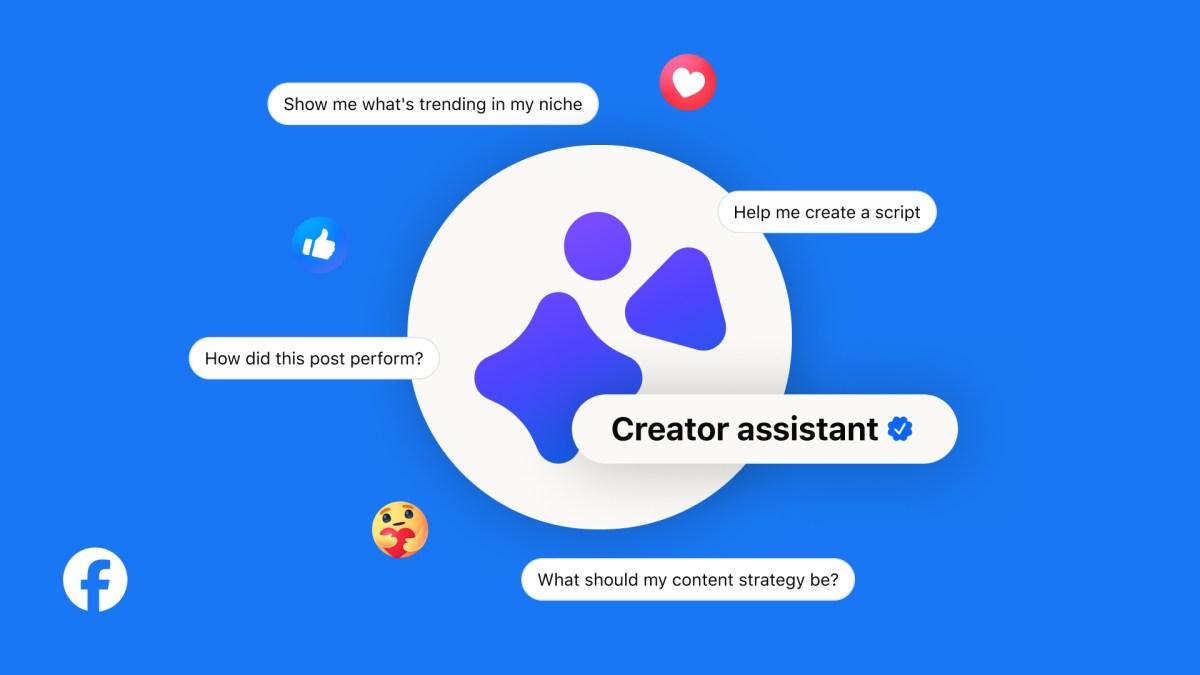
Now you can just ask. "Why did this Reel outperform the last one?" — In June 2026, Meta built an AI partner directly into the Facebook creator dashboard. It's called Creator Assistant.
So what does Creator Assistant actually do?
Facebook Insights wasn't bad. But it never told you why something worked — you had the numbers but not the context. Creator Assistant pulls that context out through conversation.
- Performance analysis questions
Ask "Why did this Reel outperform my previous ones?" or "How has my audience changed over the last 6 months?" The AI analyzes content style, posting time, audio choice, and trend timing to give you a real explanation. You can keep asking follow-up questions to go deeper. - Content idea brainstorming
When you hit a creative wall, ask "What's trending on Facebook right now?" and it suggests ideas based on trending audio, cultural moments, and top-performing content styles. It learns your goals over time — audience growth, engagement, or monetization — and gets more tailored with each session. - AI comment management (Creator Studio app, coming soon)
On June 24, Meta announced it's reimagining Creator Studio as a standalone AI companion app. The app includes an AI comment tool that surfaces important comments and drafts replies in your own tone — you review, edit, and post.
Meta also expanded AI translation features alongside Creator Assistant. Reels AI dubbing currently supports 9 languages, with Arabic, Bahasa Indonesian, French, Thai, and Vietnamese being added. Over 500 million people are now watching AI-translated videos on Facebook every week.
Worth knowing — one security concern
Creator Assistant requires full access to your Facebook account to function. In an unfortunate timing coincidence, hackers exploited a separate Meta AI support chatbot around the same time using prompt injection to seize high-profile Instagram accounts. Meta has not publicly explained what safeguards specifically set Creator Assistant apart. Flag any suspicious permission requests.
YouTube and TikTok have something similar — what's different?
Meta Creator Assistant isn't the first. YouTube's Ask Studio and TikTok's Creator Assistant have been running for a while. The differences are in approach and maturity.
| YouTube Ask Studio | TikTok Creator Assistant | Meta Creator Assistant | |
|---|---|---|---|
| Question style | Conversational (free-form) | AI recommendation-first | Conversational + follow-ups |
| Explanation depth | Performance summary | Recommendation-driven | Contextual "why" explanations |
| Content ideas | Separate Inspiration tab | AI recommendation feed | Trending-tailored suggestions |
| Comment AI | Community summary | AI reply suggestions | Tone-matched reply drafts |
| Monthly active users | 20M+ | Undisclosed | Rolling out now |
| Available regions | Global | Global | US, Canada, India (expanding) |
The core difference is depth of explanation. YouTube Ask Studio tells you which videos performed well. Meta Creator Assistant aims to tell you why they performed well — with context. The Next Web put it plainly: "an AI that tells creators why their content works — not just that it did."
Meta's intent is clear: with TikTok and YouTube competing for creator loyalty, AI analytics tools have become the next battleground — and Facebook is now officially in the race.
How to start — 5 things to try in week one
Currently rolling out to creators in the US, Canada, and India. If it's showing in your dashboard, you can start today.
- Getting access
Go to Facebook Professional Dashboard or Creator Dashboard → click the Creator Assistant tab. If you don't see it yet, you're in the rollout queue. - Start with a performance question
Try: "What was my most-viewed post in the last 30 days, and why did it perform well?" — you'll get an analysis rooted in your actual channel history. - Explore trending audio and content
Ask "What trending audio is resonating with my audience right now?" — it combines platform-wide trends with your specific audience profile. - Generate content ideas
"Give me 3 content ideas that fit my page style for this week" — a solid starting point when you're stuck. Treat it as a springboard, not a finished brief. - Dig deeper with follow-up questions
The conversational format is the real advantage. Don't stop at the first answer — "Tell me more about that third idea" keeps the conversation going and gets you closer to something usable.
Tip: Watch for the Creator Studio app
When the standalone Creator Studio app officially launches, you'll get AI comment summaries and tone-matched reply drafts right from your phone. Currently in testing with select creators.