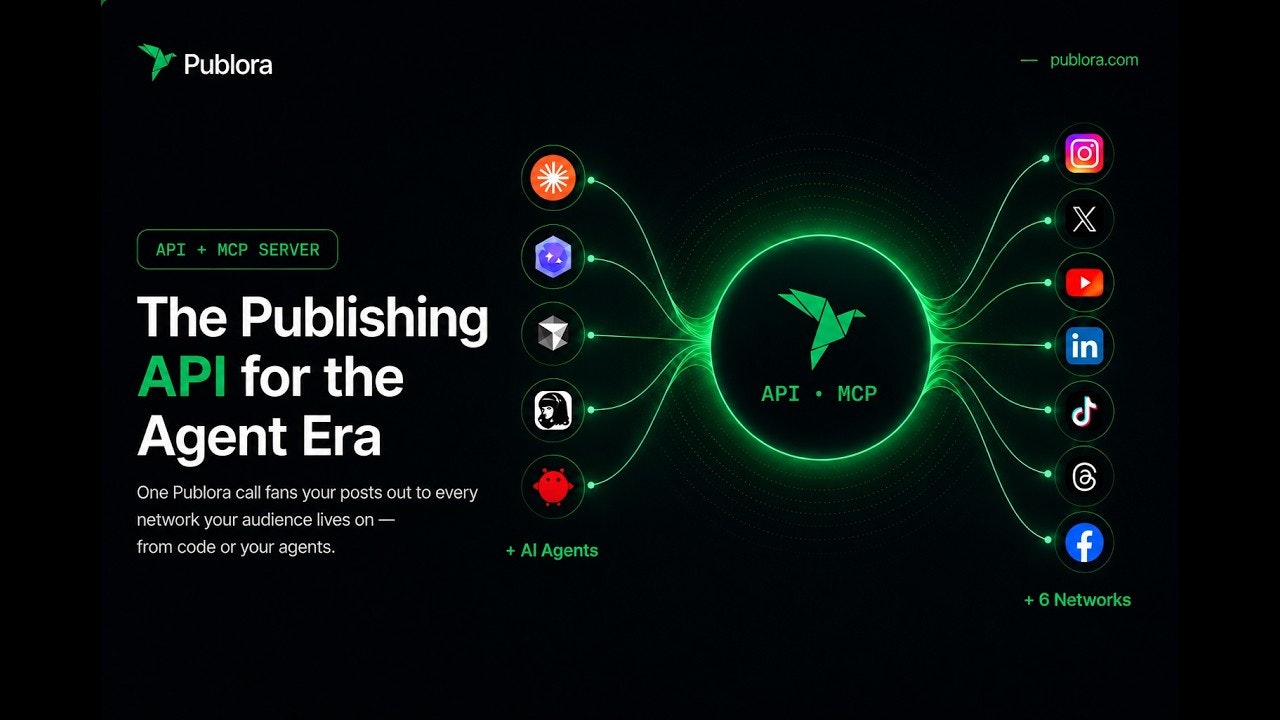
Think you're "done" with social media once you schedule a post? That's just the start. You still need to read comments, check mentions, and interpret analytics. A scheduler only handles publishing — everything else still falls on you.
Publora MCP changes that. Connect it to an AI agent like Claude or Cursor, and the agent starts handling posting, commenting, reacting, and pulling analytics across 10 platforms directly.
What schedulers can't do
Buffer. Hootsuite. Later. If you work in social media marketing, you've probably used one. But strip away the UI and what do these tools actually do? Schedule posts.
Write content, pick a time, auto-publish. That's it. Commenting, reading mentions, monitoring competitors, interpreting reports, planning the next post — all still yours. Teams using AI social tools save 15–20 hours per week, and that gap doesn't close with a scheduler alone.
MCP agents work differently. Instead of just scheduling, they handle all five layers simultaneously: research → content creation → publishing → analytics → engagement. Trend research that used to take 30 minutes? A 10-second prompt.
| Traditional Scheduler | MCP Agent (Publora) | |
|---|---|---|
| Publishing | Auto-upload at scheduled time | AI executes directly |
| Comments / Reactions | You handle it manually | AI handles automatically |
| Analytics | Check dashboard yourself | AI pulls and interprets |
| Cross-posting | Manual setup per platform | Single API call |
| Who's in control | Humans use the tool | Agent uses the tool |
What Publora does differently
In June 2025, Publora launched on Product Hunt as a social media scheduler. Exactly one year later — June 10, 2026 — it came back as something entirely different: an MCP server built for AI agents. It hit #1 Product of the Day with 618 upvotes.
CEO Eugenia Ivanova was clear about one thing: "We go through LinkedIn's official API only. No browser automation, no scraping." Here's why that matters — most social automation tools claim to use APIs but actually control a browser to simulate human clicks. That's exactly what LinkedIn detects and bans.
The 18 MCP tools break into four categories: post management (create, read, update, delete), platform connection management, LinkedIn analytics (impressions, reach, reactions, followers), and workspace user management. Tell Claude or Cursor "post an AI trends summary to LinkedIn today," and the agent calls these tools in sequence to make it happen.
Versus the competition: Ayrshare offers 75+ tools but starts at $49/month, and Postiz is open-source but requires self-hosting. Publora is a remote MCP server — no infrastructure needed, just an API key, at $2.99/account.
Why "a tool built for agents"?
Traditional social tools are dashboards built for humans to click. Publora was designed from day one as a tool for AI agents to call via API. That's why the MCP integration feels native, not bolted on.
5 steps to hand your social media to an AI agent
- Sign up + get your API key
Create an account at publora.com, go to the API section, and copy yoursk_...key. You can start on the free tier right away. - Connect your social platforms
Link your LinkedIn, X, Instagram, and other accounts via the Publora dashboard. OAuth setup is handled by Publora, and token refresh runs automatically server-side. - Configure your MCP client
For Claude Code, add this to~/.claude.json. For Cursor, use.cursor/mcp.json.{"mcpServers": {"publora": {"type": "http", "url": "https://mcp.publora.com", "headers": {"Authorization": "Bearer sk_YOUR_KEY"}}}} - Give instructions in plain language
"Post an AI trends summary to LinkedIn today" — the agent handles writing and publishing. Cross-posting: "Put it on X and Threads too." Done. - Close the analytics loop
"Analyze last week's LinkedIn posts and suggest what to post next." The agent pulls impressions, reach, and reactions — then drafts the next piece.

.png)
