An AI that types out everything you say, pretty convenient, right? But what if it was also secretly grabbing screenshots of your screen every few seconds and shipping them to a server? The user who caught it didn't get an apology. They got banned.
Everyone just calls it convenient
Voice-to-text AI tools are everywhere right now, and the market backs that up. Speech recognition is estimated at $22.49B in 2026, projected to grow over 22% annually through 2031.
The most talked-about name in this space is Wispr Flow. One developer dictated over 182,000 words across 36 apps, boosting his typing speed from 90 WPM to 184 WPM, landing in the top 1% of users. Reviewers say it nails technical terms and proper nouns with impressive accuracy.
The catch: it all runs in the cloud. There's no offline mode, and beyond your voice, your screen content gets sent to their servers too, for "context".
Then this happened behind the scenes
A user actually monitored their own network traffic. What they found: Wispr Flow's "Context Awareness" feature was screenshotting the active window every few seconds and sending it to third-party AI servers. Emails, code, even screens showing passwords or medical records.
This actually happened
When the user went public about it, the company's response wasn't an explanation. It was banning that user's account. Only after the backlash did CTO Sahaj Garg issue a public apology, switch AI training consent from opt-out to opt-in, and add a new Privacy Mode.
Its Trustpilot rating dropped to 2.7/5. The features were solid, but paying $15/month ($144/year) on top of not knowing where your screen is going stopped making sense for a lot of people.
If you use this stuff for work, it gets worse. Contract drafts, client emails, code you haven't committed yet — whatever's on your screen is basically company IP. Your security team is not going to love hearing that gets screenshotted every few seconds and sent somewhere.
So someone built this completely differently
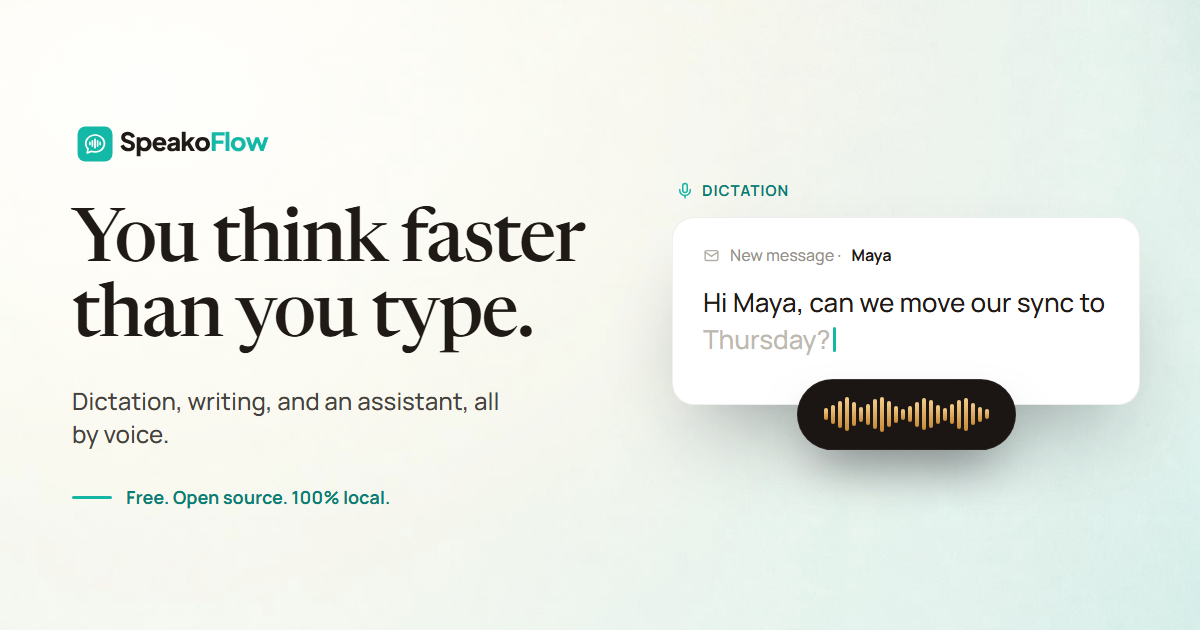
SpeakoFlow was built to target exactly this gap. It's a solo developer's project, built on Tauri and whisper.cpp, where speech recognition runs entirely on your device, and it's free under the MIT open-source license.
Hit a hotkey and talk, and text lands in whatever app you're in. Say "Hey Flow" and it drafts replies or emails based on what's on your screen. Translation, filler-word cleanup, tone adjustment — pretty much everything Wispr Flow does, just processed locally.
| Wispr Flow | SpeakoFlow | |
|---|---|---|
| Price | $15/mo ($144/yr) | Free |
| Voice/screen processing | Sent to cloud | Fully on-device |
| License | Closed source | MIT open source |
| Linux support | None | Yes |
It's not perfect, though. Product Hunt reviewers noted choppy performance during long dictation sessions and heavy battery drain. For a fresh solo-dev project packing this many features, that's a fair trade-off — but there's clearly still polish left to do.
How to actually try it
- Grab the installer for your OS
From speakoflow.com or the GitHub releases page: Windows (.exe/.msi), macOS (Apple Silicon.dmg), or Linux (AppImage/.deb). - Check the hotkeys
Dictation defaults to Left Ctrl+Left Super, and the assistant is Left Ctrl+Left Alt. - Test it in any text field
Notepad, Slack, whatever — hit the hotkey, talk, and check that text lands in real time. - Try "Hey Flow" for a screen-aware reply
With an email or chat window open, call the assistant and let it draft a reply based on what's on screen. - On weaker hardware, drop the model size
Given the reported battery drain, switch to a lighter whisper model in settings to balance speed and battery life.
Want to go deeper
SpeakoFlow official site feature demos, download links, and the full FAQ speakoflow.com
SpeakoFlow GitHub repo source code, the tech stack (Tauri, whisper.cpp), and the roadmap github.com
The full story of the Wispr Flow ban how the user discovered the screenshot uploads and how the company responded embertype.com
Wispr Flow privacy incident breakdown what actually changed in policy after the CTO's apology modelpiper.com
Wispr Flow review (pricing and rating included) a detailed look at the 2.7/5 Trustpilot rating and plan structure getvoibe.com
2026 voice AI market stats full data on market size and growth rate ringly.io