Search performance is strong, but our company disappears when you ask AI
Our core keywords rank near the top of Google, and we publish content consistently. Yet when a prospective customer asks ChatGPT or Perplexity to recommend a product, only competitors may appear. For the marketing team, it can be hard to know what to fix first. You cannot see on one screen whether the issue is the page, a blocked search crawler, or an AI that selected a source but did not use it in its answer.
The first job of AEO automation is not to create recommendations, but to repeatedly observe these gaps. Run the same questions regularly in the same execution environment, and record search access, user-requested access, source selection, answer incorporation, and click traffic separately so you can choose which pages to revise.
Google rankings and AI recommendations are not the same report card
Even a high search ranking does not guarantee inclusion in a generative-search answer. A survey reviewing recent GEO research describes exposure as a probabilistic pipeline spanning crawling, retrieval, reranking, citation, answer incorporation, and user behavior. Success at one stage cannot be treated as success at the next, and lasting optimization effects that apply across multiple platforms have not yet been sufficiently proven.
In particular, being selected as a source is different from having your brand meaningfully incorporated into the answer. A preprint that analyzed 602 prompts across three platforms measured citation coverage separately from the depth of answer incorporation, based on 21,143 valid citations. This score is a proxy for answer incorporation, not revenue, but it provides a useful basis for recognizing that simply counting citations can miss actual visibility.
Split your AEO baseline into five fields.
- Search access: whether a search bot is permitted by configuration and whether actual request logs were observed
- User-requested access: whether an agent retrieving a page at a user's request appears in server logs
- Source selection: whether your URL is displayed as a source for the answer
- Answer incorporation: whether your claims, figures, or product features are actually used in the answer
- Behavior: whether a user clicks a link and visits the site
If you have checked only robots.txt or WAF rules, record it not as “access confirmed,” but as “permitted by configuration.” Mark actual access separately only when the relevant request and HTTP response are confirmed in server or WAF logs.
Automation handles observation and drafts; people approve changes
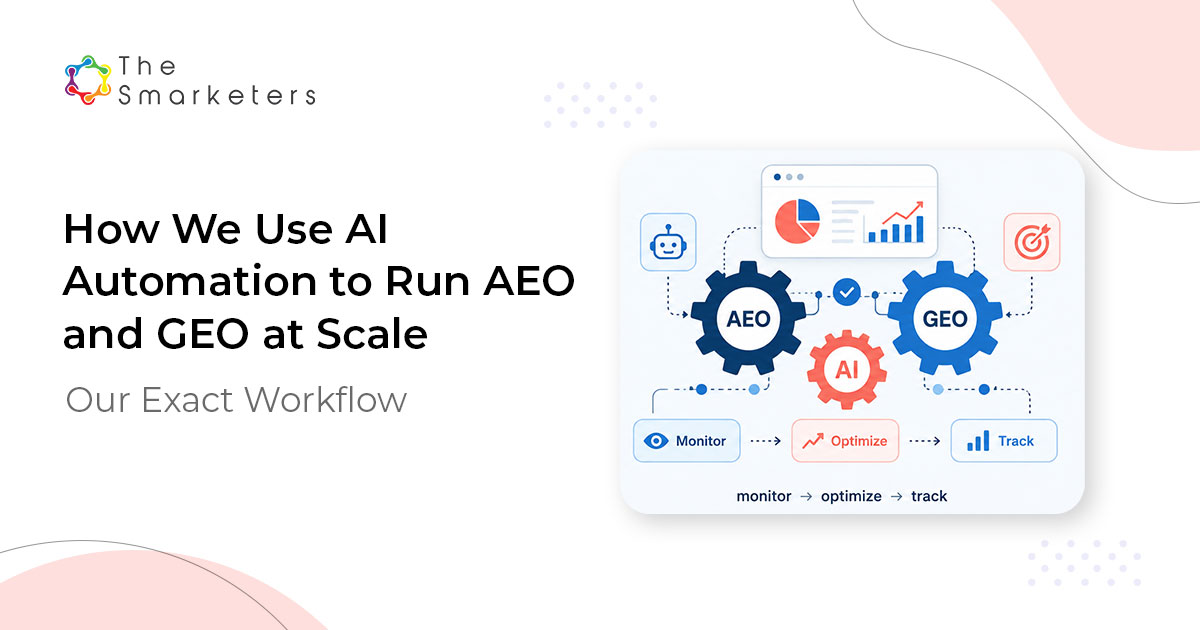
The approach published by AGENDA is a five-step loop that repeats monitoring, gap analysis, content optimization, markup deployment, and results tracking. It runs fixed buyer questions across multiple AI platforms and saves the results, then creates analyses and revision drafts for people to review for accuracy, priority, and brand voice before deployment.
This example is not a performance study that discloses a customer sample, control group, or revenue impact. Its verifiable value is therefore not “raising citation rate by a certain percentage,” but making scattered checks repeatable with the same questions and record format.
| Task | What automation does well | What people decide |
|---|---|---|
| Question checks | Run fixed questions and save execution conditions and responses | Select questions that reflect real buying situations |
| Gap analysis | Aggregate company and competitor mentions and source URLs | Prioritize inaccurate explanations and important omissions |
| Content revisions | Draft answer structures and markup | Review facts, user value, and brand voice |
| Deployment and tracking | Record validation and subsequent run results | Approve deployment and interpret results |
Start your first baseline with five questions and an execution-environment table
First, decide which consumer-facing product interfaces to use. For example, choose which of ChatGPT, Claude, and Perplexity your team will actually check, and confirm whether the relevant account or organization has access and web search is available. Prepare 5–10 category questions that recent customers or the sales team have actually used, your company and competitor names, and a spreadsheet to record the results.
Answers can differ by login status, region, model or product name, and whether search is enabled. Record these conditions before entering a question, then keep them as consistent as possible for the next check. Do not assume results run automatically through an API behave the same as consumer interfaces; manage them in a separate panel.
- Fix execution conditions for each platform first.
In a table, enter the platform and product interface, model or product name, login status, account or organization, execution region, whether web search is enabled, and date run. Do not guess at items whose conditions cannot be verified; record them as “unable to verify.” - Check search bots and user-requested agents separately.
OpenAI distinguishes OAI-SearchBot for search visibility, GPTBot for training, and ChatGPT-User for user-requested access. Anthropic also describes Claude-SearchBot, ClaudeBot, and Claude-User separately, while Perplexity distinguishes PerplexityBot from Perplexity-User. After checking search-bot rules in robots.txt, compare the latest official IP ranges linked in OpenAI and Perplexity documentation with WAF allow and block rules. In server or WAF logs, check the user agent, request IP where an official range is provided, request URL, time, and HTTP response status together. Record results for search bots and user-requested agents in separate columns. If there are no logs, do not classify it as actual access; leave it as “permitted by configuration” or “not observed.” - Write fixed questions and wording variants by buying stage.
For example, write “Which content platform is suitable for a B2B SaaS company with 200 employees managing Korean-language customer stories?” so that the target, situation, and selection criteria are clear. Also register a semantically equivalent variant, such as “Compare tools for producing Korean B2B customer case studies.” - Run questions in the chosen consumer interfaces and retain the originals.
Enter the same question in each interface, then save the full response or a snapshot and displayed source URLs. Create separate result-table columns for platform, execution conditions, run date, original question, company mentions, competitor mentions, source URLs, claims incorporated into the answer, and explanation errors. Assess separately whether only a source link was attached and whether the page’s content was actually used as support for a comparison or recommendation. - Select revision candidates from errors and omissions.
If a product description is inaccurate or an appropriate company page is not selected for an important buying question, add that page as a candidate. Have an editor verify facts, voice, and user usefulness in AI-generated revision drafts and markup before deploying them. - Run again with the same conditions and question panel.
At the next check, keep the consumer interface, execution conditions, questions, and record columns aligned to compare changes in brand mentions, source selection, explanation accuracy, and answer incorporation. If conditions differ, record the changes and do not simply aggregate them with results from the same series. Because platform responses vary, do not report a single appearance as if it were a fixed ranking.
Platform / product interface / model: ______
Login·organization / region / search enabled: ______
Question / wording variant: ______
Run date / full response·snapshot location: ______
Search bot: permitted·blocked by configuration / log observed / HTTP status: ______
User-requested access: log observed / HTTP status: ______
Company·competitor mentions: ______
Displayed source URLs: ______
Claims incorporated into the answer: ______
Explanation errors and revision candidates: ______
Your first deliverable is not a citation-rate increase report. A baseline table filled with execution conditions and responses for every question-platform combination, a log checklist that does not overstate access status, and a prioritized list of pages to revise are enough.
Watch GA4 traffic, but remember the visibility it cannot show
In GA4, recognized visits from ChatGPT, Gemini, Copilot, and similar services are classified as AI Assistant in the default channel group. You can review sessions for this channel in the Acquisition report without creating a separate regex. However, visits from Google AI Overviews and AI Mode are included in Organic Search, not AI Assistant.
GA4 shows only visits that resulted from a link click. It does not capture cases where your brand appeared in an answer but the user did not click, or where it was shown as a source but no visit occurred. That is why you need to review AI Assistant sessions alongside the mention, source, and answer-incorporation records created earlier.
Structured data should follow the same principle. Google states that correctly written structured data does not guarantee display in search results. More importantly, this document is Google’s rich-results policy, not a citation guarantee for other AI platforms. Record that markup validation passed, but verify actual answer changes separately with the fixed question panel.
If you want to go deeper
Overview of OpenAI Crawlers Official documentation for distinguishing ChatGPT search bots, model-training bots, user-requested agents, and official IP ranges. developers.openai.com
Perplexity Crawlers Learn the difference between PerplexityBot for search and Perplexity-User for user-requested access, plus the official IP ranges to check in your WAF. docs.perplexity.ai
From Citation Selection to Citation Absorption Explore the study design and why source selection and actual answer incorporation should be measured separately. arxiv.org
Default channel group Official documentation for checking GA4’s AI Assistant classification and exceptions for Google AI search traffic. support.google.com


.png)
