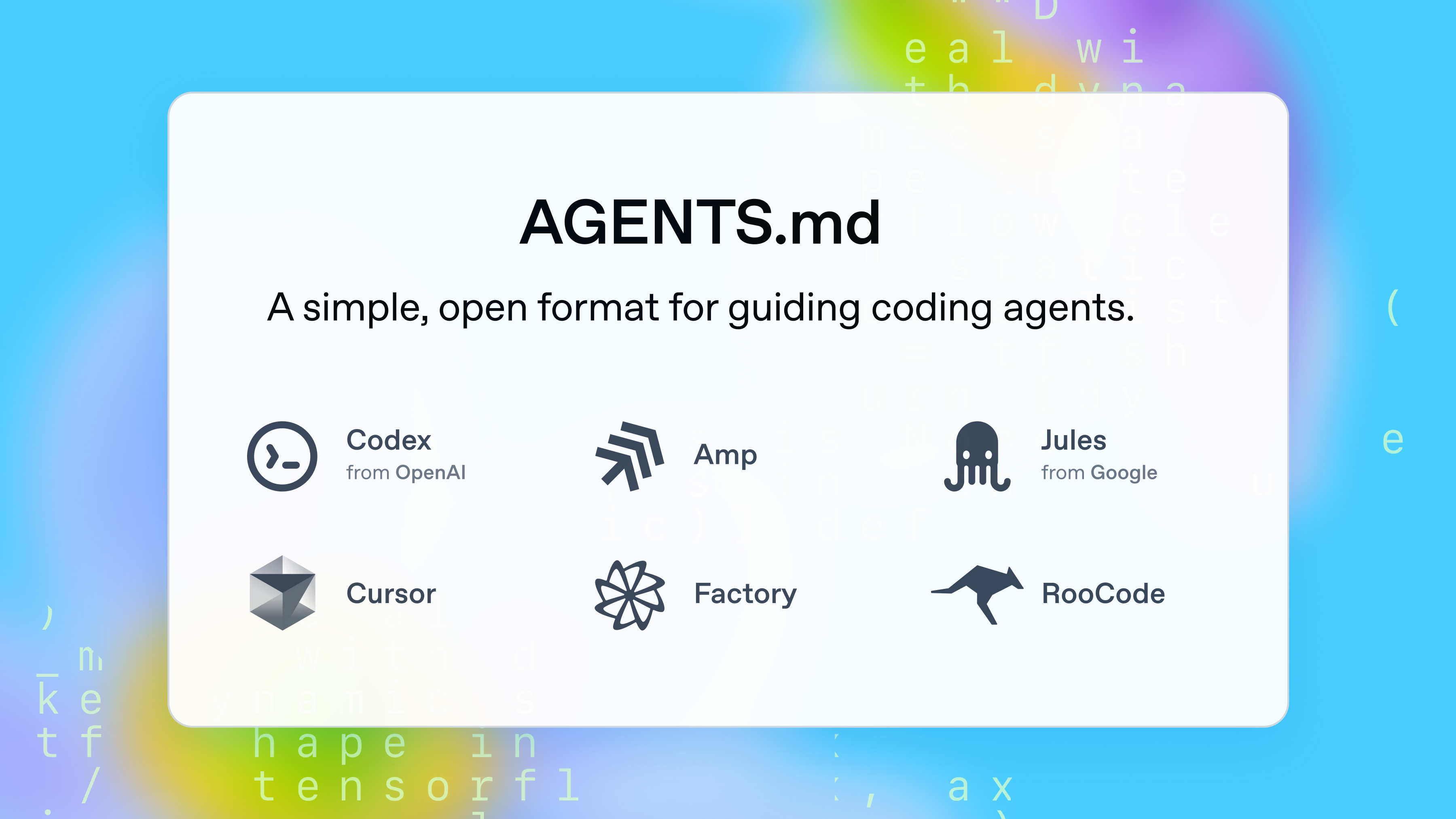
If CLAUDE.md is memory, AGENTS.md is the operating manual. It's the single file that tells AI coding agents "here's how we work" when they drop into your project. And with 60,000+ open-source projects already using it, if you haven't created one yet — now's the time.
What Is It?
AGENTS.md is a markdown file you drop in your project root. Think of it as a README for AI coding agents. Just like humans read README.md to understand a project, AI agents read AGENTS.md to figure out "how should I work here?"
It was first proposed by OpenAI's Codex team in August 2025, and has since become an open standard managed by the Agentic AI Foundation under the Linux Foundation. The key value: one file covers all AI tools. No more cluttering your project with .cursorrules, .builderrules, and other tool-specific config files — AGENTS.md replaces them all.
How is this different from CLAUDE.md?
CLAUDE.md is specific to Anthropic's Claude products. AGENTS.md is a universal standard that works across tools. Want to use both? Just add Strictly follow the rules in./AGENTS.md to your CLAUDE.md, or create a symlink.
The list of supported tools is already massive: GitHub Copilot, Cursor, Windsurf, Codex, VS Code, Gemini CLI, Devin, Junie (JetBrains), Amp, Aider, Zed, goose, Roo Code... essentially every major AI coding tool.
What Changes?
Without AGENTS.md, your AI agent turns into an explorer every single session. It burns time and tokens scanning the project structure, guessing build commands, and figuring out coding style. And it gets a lot of things wrong.
Steve Sewell at Builder.io ran a hands-on experiment. Without AGENTS.md, he had an AI convert a Figma design to code — it referenced the wrong MUI version (breaking styles), used useState instead of the team's state library (mobx), and missed dark mode tokens. After adding AGENTS.md? Same prompt, dramatically better results across UI accuracy, token usage, and code style.
| Without AGENTS.md | With AGENTS.md | |
|---|---|---|
| Project understanding | Re-explores structure every session | Instantly references key file locations |
| Build / Test | Runs full build (minutes) | Per-file commands (seconds) |
| Code style | Version errors, wrong library choices | Correct versions and patterns on first try |
| Safety | Installs packages, deletes files without warning | Allowed/forbidden actions clearly defined |
| Consistency | Different results per tool | Same rules regardless of which tool you use |
Matt Nigh at GitHub analyzed over 2,500 AGENTS.md files to find what actually works. The conclusion was clear — successful AGENTS.md files consistently covered 6 areas: executable commands, testing, project structure, code style, git workflow, and boundaries.
The failure patterns were just as obvious: vague instructions like "You are a helpful coding assistant," exhaustive tech stack descriptions, abstract explanations with no concrete commands. Ben Tossell shared a striking finding — a study showed that detailed tech stack and architecture descriptions actually hurt performance and increased costs by 20%. The agent can figure that stuff out on its own.
"AGENTS.md should be pretty empty. It should be your preferences and nudges to correct agent behaviour."
— Ben Tossell, Ben's Bites
Getting Started
- Start with a Do/Don't list
This is the most effective starting point. Use an AI agent on your project, and every time you don't like what it produces, add a line. "Use MUI v3 compatible code," "Don't hard-code color values" — be specific, not abstract. - Add per-file commands
Instead of full project builds, give the agent commands that verify a single file in seconds rather than minutes. Something likenpm run tsc --noEmit path/to/file.tsx. Fast and cheap enough that you can tell the agent to run them every time. - Define boundaries in 3 tiers
This was the most effective pattern from the GitHub analysis. Split into Always do, Ask first, and Never do. "Never commit secrets" was the single most common constraint across all successful files. - Point to good example files
One real code snippet beats three paragraphs of explanation — that's the takeaway from analyzing 2,500 repos. "For forms, followapp/components/DashForm.tsx." "Don't copy the class component pattern inAdmin.tsx." Point to the good and the bad. - Add a rule when you see a repeated mistake
AGENTS.md is a living document, not a finished product. If the agent makes the same mistake twice, that's when you add a rule. Don't try to write it perfectly upfront. Iteration beats planning — that's the real lesson from practice.
Heads Up: The most common mistake is writing too much
Listing your entire tech stack, architecture, and file tree actually backfires. AI agents can discover all of that by exploring your project. Only write down things the agent is likely to get wrong — preferred libraries, coding conventions, areas that should never be touched.
One more thing for monorepo users: you can nest AGENTS.md files in subdirectories. The agent prioritizes the closest AGENTS.md to the file it's working on. The OpenAI Codex repo has 88 AGENTS.md files. Put shared rules at the root, and package-specific rules in each subdirectory.



