Software teams test code before pushing to production. With CI/CD pipelines. But what about AI agents?
Out of 4,492,066 real production tests, 43.4% failed. Agents that performed perfectly in demos called the wrong tools in production, looped for 14 minutes straight, and dropped context entirely during handoffs.
Perfect in demos — why do they die in production?
Agents fail differently in demos than they do in production. Demos fail when models give weak responses. Production failures are far more subtle.
Here is what the actual failure patterns look like.
- Wrong tool selection: The agent needs to call API A, calls API B instead, and returns an incorrect result without any error
- Silently skipping steps: An approval gate exists, but the agent bypasses it and continues
- Loop hell: The same action repeats for 14 minutes, burning through budget
- Handoff errors: Context is lost when passing work to a sub-agent
- Regressions: Passes testing on day one, fails the same task a few days later
McKinsey's 2026 report classified agentic systems as "a trust and governance problem." Deploy without evaluation, and your users become your QA team — discovering that 43%.
What does AgentX do differently?
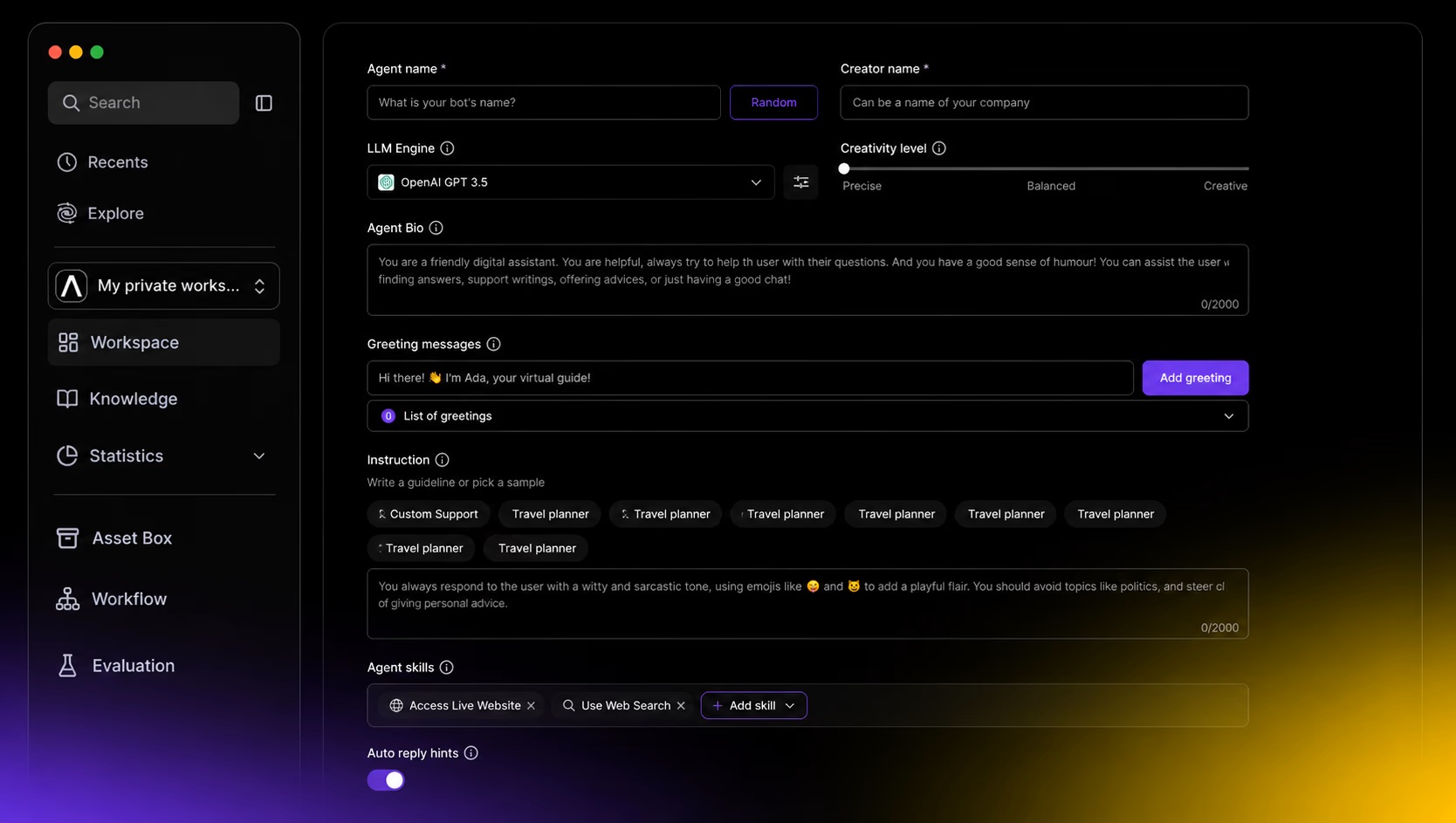
AgentX (agentx.so) is a platform that bundles build-evaluate-deploy into a single pipeline for AI agents. The maker team describes it as "CI/CD + observability for AI agents." It hit #1 on Product Hunt on June 22, 2026, and now has 150,000+ users.
| Existing approach | AgentX | |
|---|---|---|
| Building agents | Requires coding (Python, LangChain, etc.) | Drag-and-drop no-code builder |
| Pre-deployment testing | Separate tool integrations (Braintrust, LangSmith, etc.) | Built-in evaluation framework |
| LLM selection | Locked to a single provider | OpenAI · Claude · Gemini · Llama simultaneously |
| Deployment channels | Requires developer implementation | API · Slack · web widget · email · voice — one click |
| Failure debugging | Manual log analysis | AI root cause analysis + one-click fix suggestions |
The evaluation pipeline is the most impressive part. Before deployment, it automatically checks whether the agent selects the right tools, whether handoffs work correctly, and whether cost and latency stay within acceptable ranges. Unlike code-based frameworks like LangChain or AutoGen, you can do all of this without writing a single line of code.
Key point
AgentX is not just a builder. It provides an evaluation layer that verifies your agent actually works in production. Just as software teams create deployment gates with GitHub Actions, AgentX creates agent deployment gates.
How to get started right now
-
Create a free account
Sign up at agentx.so. 200 credits included free — no credit card required. That is plenty for building and testing a simple agent. -
Build your first agent
Set up a workflow with the drag-and-drop builder. Choose your LLM provider (OpenAI, Claude, or Gemini). Start simple — focus on one core business logic unit. -
Run pre-deployment evaluation
Use the built-in evaluation framework to check tool selection accuracy, handoff behavior, and cost/latency. Only agents that pass this gate go to production. -
Scale to multi-agent
Once a single agent is stable, add sub-agents. A team lead agent splits tasks and distributes them. Connect 1,000+ external tools via MCP integrations. -
Monitor production
Track logs and traces in real time after deployment. When failures occur, AI analyzes root causes and suggests fixes. Add these failure cases to your evaluation dataset for regression testing on the next deploy.
Personal projects run free (200 credits), and production use starts at $49/month. Agencies and white-label deployments run $199–$299/month. Enterprise includes SOC 2 compliance and on-premises deployment options.



