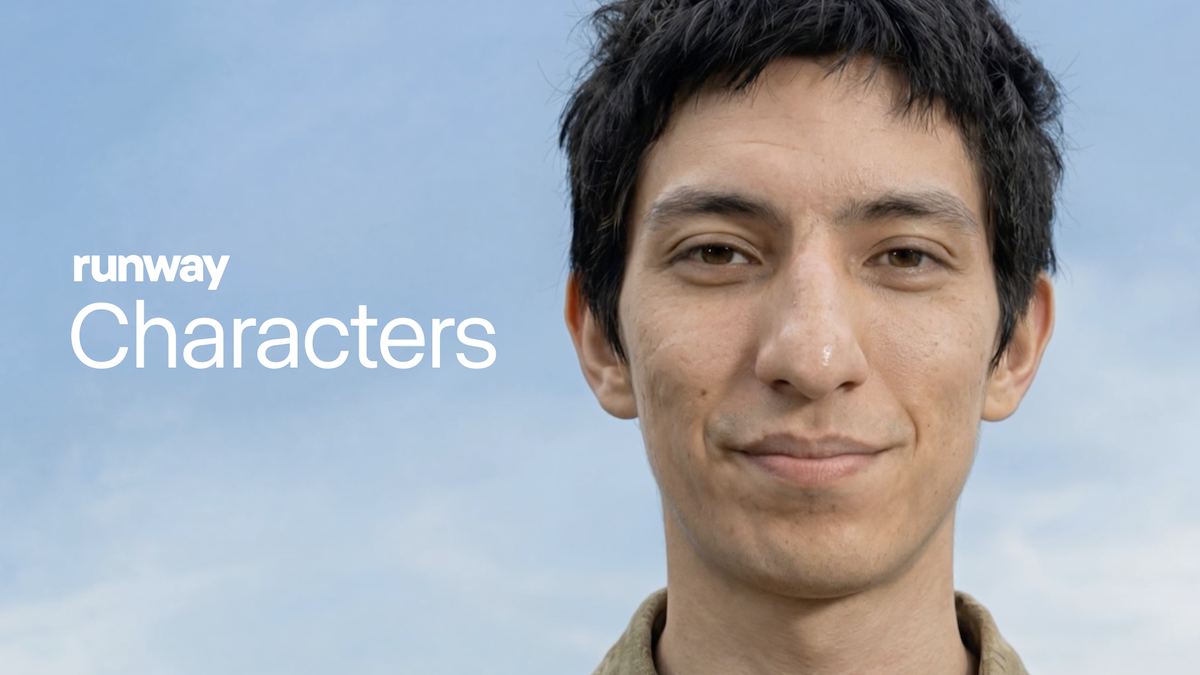
What if instead of a text chatbot on your customer support page, there was an AI character sitting there — making eye contact, showing facial expressions, and gesturing? On March 9, 2026, Runway made that a reality. It's called Characters. Just one photo and you get a real-time video agent.
What is this about?
Runway Characters is a service that creates AI video agents capable of real-time conversation from just one reference image. What makes it fundamentally different from existing AI avatars is that it doesn't play back pre-recorded clips — it generates video in real time.
The engine running behind it is GWM-1 (General World Model). It's the latest version of the video generation model Runway has been building since the Gen-3 Alpha days. This model doesn't just match lip movements — it raises eyebrows based on conversation context, tilts its head, and even creates hand gestures. In other words, it "acts" with facial expressions.
The important part is that it's available as an API. You can embed it in your website or app with just a few lines of code. BBC and Silverside are already participating as early partners.
Here's what Runway Characters can specifically do:
- Instant character creation — From photorealistic to animation style, all from a single photo. No separate 3D modeling or motion capture needed.
- Full conversational expressiveness — Facial expression changes, eye movement, lip-sync, and gestures are all generated in real time to match the conversation context.
- Full customization — Character appearance, speaking style, and reaction patterns can be fine-tuned through the API.
- Preset avatars — If you don't have your own photo ready, you can try pre-made avatars right away at app.runwayml.com/characters.
Video agent ≠ Avatar video
What existing services like HeyGen and D-ID create is essentially "playing back pre-recorded video." Runway Characters generates every frame in real time as the conversation progresses. The key difference is that it responds naturally to impromptu questions with no script.
What's actually changing?
There were already ways to put an "AI character" on a website. HeyGen Avatar, D-ID Agents, and text chatbots. But each had clear limitations.
| HeyGen / D-ID | Text Chatbot | Runway Characters | |
|---|---|---|---|
| Conversation style | Pre-recorded clip playback / limited real-time | Text input/output | Real-time video conversation |
| Expressiveness | Lip-sync focused, limited gestures | Emoji/text only | Expressions + eye movement + gestures + lip-sync |
| Context response | Script-based | LLM-based (flexible) | LLM-connected + visual response |
| Implementation | Widget/iframe embed | Chat widget | API integration (high flexibility) |
| Character creation | Studio shoot or pre-training | N/A | Instant from 1 photo |
The core difference is "real-time generation." HeyGen and D-ID work by playing pre-made videos triggered by certain cues. If a question comes in that's not in the script, they can't handle it. Runway Characters generates new frames every moment, so it responds to unexpected questions with natural expressions and gestures.
Compared to text chatbots, the difference is even more dramatic. Even with the same answer, an AI that makes eye contact and nods delivers a completely different level of user trust and satisfaction versus text appearing in a chat box.
Session lengths are also divided by use case:
| Platform | Max Session | Use Case |
|---|---|---|
| Web app (app.runwayml.com) | 2 min | Trial/demo |
| Developer platform | 5 min | Prototyping |
| API integration | 30 min | Production service |
The essentials: How to get started
- Try it out first
You can have a 2-minute conversation with preset avatars at app.runwayml.com/characters. All you need is an account. Get a feel for what this is. - Sign up for the developer portal
Create a developer account at dev.runwayml.com. New developers get 30 minutes of free credits. - Prepare your reference image
Get one photo ready to turn into a character. A high-resolution image with a clear frontal face works best. You can freely choose styles — photorealistic, illustration, 3D character, etc. - API integration
Follow the Characters API docs to embed it in your website. For conversation logic, just connect whatever LLM API you're already using (OpenAI, Claude, etc.). Runway only handles the visual layer. - Customize & deploy
Adjust the character's response speed, expression intensity, background, and more through API parameters, then deploy to production. API integration supports sessions up to 30 minutes.

.png)
