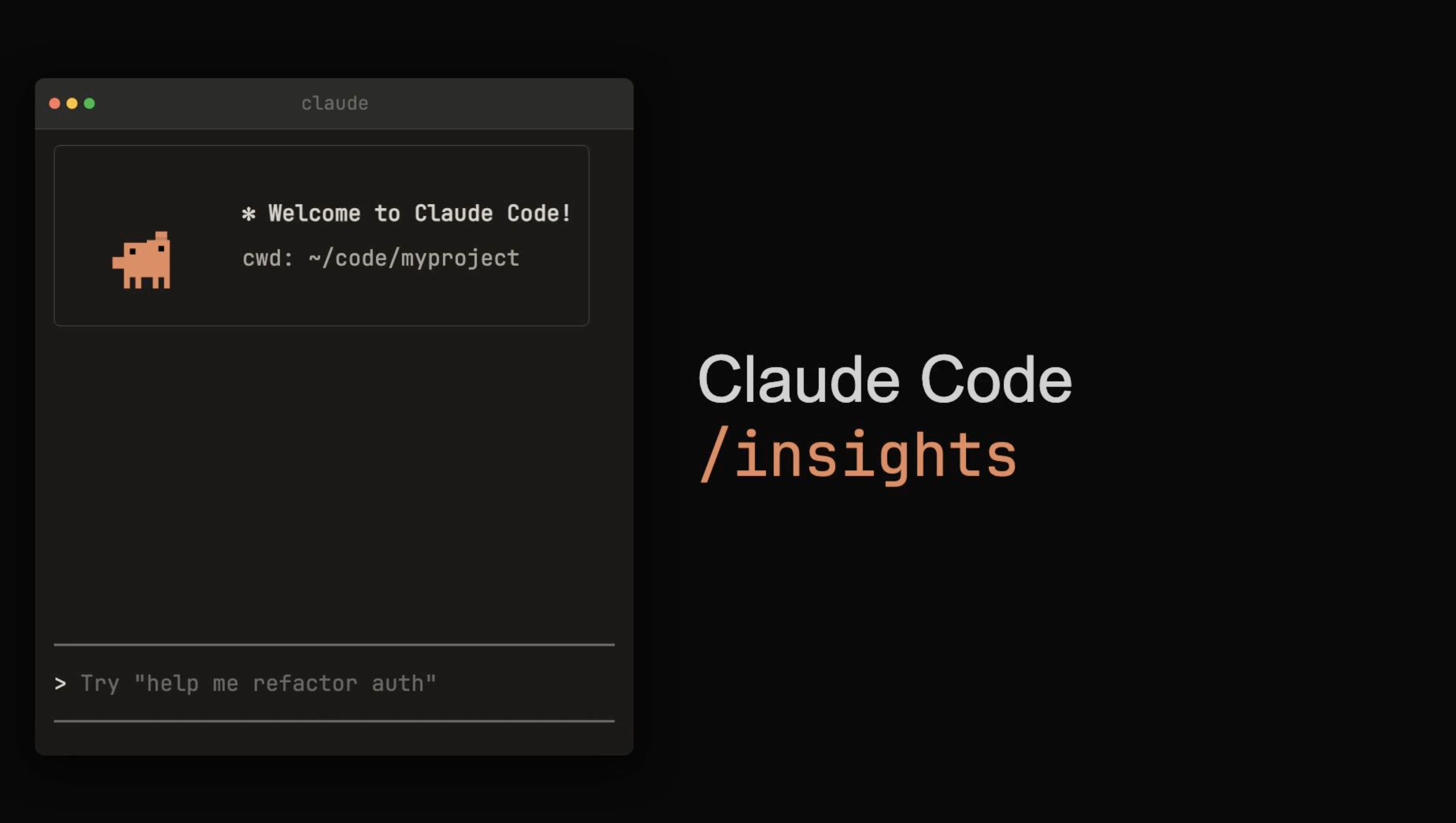
Run /insights in Claude Code, and it reads your entire month of conversation history and builds a report. What projects you worked on, whether you're using tools effectively, where you got stuck — it's like getting free AI coaching.
What Is It?
A built-in slash command quietly added to Claude Code v2.1.30 on February 3, 2026. It never made the official release notes, and there's no official documentation. Anthropic engineer Thariq posted a single line about it on X — and then word-of-mouth spread among users who called it the "reality check feature."
In one sentence: "A report that reads all your Claude Code conversations from the past 30 days and objectively evaluates your AI usage habits." Type /insights in your terminal — that's it. No installation, no configuration, no special plan required.
Technically, it runs through a 6-stage pipeline. It collects session logs stored locally (~/.claude/projects/), filters them (removing sub-minute sessions and sub-agent sessions), extracts metadata, runs qualitative analysis through Claude Haiku, synthesizes across 7 analysis prompts, and generates an interactive HTML report.
What the report analyzes is surprisingly specific.
What's in the /insights report
Project areas: Summarizes what you built over the month into 4–5 domains
Interaction style: Analyzes how you communicate with AI
What you're doing well: Highlights 3 impressive workflows
Friction analysis: Pinpoints where you wasted time, with specific examples
Improvement suggestions: Copy-paste-ready rules for CLAUDE.md + feature recommendations
Future directions: More ambitious workflows to try
Fun moment: One memorable moment from your conversations (dessert)
Here's the key: it analyzes conversation records (session transcripts), not your source code. No code gets uploaded or leaked — everything is processed locally via API calls.
Real user data is impressive. One full-stack developer logged 1,042 sessions, 4,516 messages, and 6,267 file edits over 35 days — /insights identified "context limit terminations" as their biggest friction point and suggested a checkpoint file (.claude/task-status.md) pattern.
What's Different?
Until now, there was no way to know "Am I actually using AI well?" You use it diligently, but you can't tell whether you're being inefficient. /insights shows you this with data.
| Before (gut feeling) | /insights (data-driven) | |
|---|---|---|
| Usage awareness | "I think I use it a lot…" | Exact session count, message count, tool usage by type |
| Problem detection | Repeating same mistakes (unaware) | Friction patterns classified + real conversation examples |
| Improvement path | Search blogs/YouTube | Auto-generated CLAUDE.md rules tailored to your habits |
| Tool utilization | Using only familiar features | Recommendations for unused features (MCP, Task agents, etc.) |
| Time investment | 1+ hour for manual retrospective | 1 minute to run, automatic report |
Nate Meyvis described the experience like this — "It felt like getting feedback from a well-trained human manager." On GeekNews, a commenter echoed: "It really feels like a human manager giving you a performance review."
The community is already building alternatives. Corca AI's cwf:retro skill is similar to /insights but takes a different approach — instead of covering an entire month, it deep-dives into a single session. It runs 4 parallel sub-agents and even does 5-Whys root cause analysis.
| /insights (built-in) | cwf:retro (community) | |
|---|---|---|
| Scope | All sessions over 30 days | Deep analysis of 1 session |
| Output | Interactive HTML | Markdown (retro.md) |
| Installation | Built-in (no install needed) | Requires claude plugin install |
| Analysis depth | Pattern detection (macro) | 5-Whys root cause (micro) |
| Best for | All Claude Code users | Teams with structured AI workflows |
They're not competitors — they're complementary. Use /insights for the monthly big picture, and cwf:retro for deep-diving into critical sessions.
Heads up
There are reports that the narrative sections of the report occasionally contain inaccurate numbers. The statistics dashboard is accurate, but cross-check the prose sections.
Quick Start Guide
- Check your version
Runclaude --versionin your terminal to confirm v2.1.30 or later. If not, update withnpm update -g @anthropic-ai/claude-code. - Run /insights
Type/insightsin your Claude Code terminal. That's it. 30 days of sessions are automatically analyzed. - View the HTML report
When analysis is complete, a report appears at~/.claude/usage-data/report.html. Open it in your browser for interactive charts and visualizations. - Copy CLAUDE.md rules
The "Suggestions" section at the bottom of the report provides copy-ready rules for your CLAUDE.md. These are custom rules tailored to your specific friction patterns. - Run it again in a month
Apply the improvements and run it again in a month. Previous analyses are cached, so only new sessions get analyzed. You can track your progress over time.