YouTube Shorts just crossed 200 billion daily views. And the way those views get made is changing fast. Type one line of text inside the app, and AI generates video and audio simultaneously.
Dream Screen Is Not Just a Background Tool Anymore
When Dream Screen first launched, it was basically a chroma-key tool. Stand in front of a green screen, AI draws you a background — that was it. That was 2023.
In 2024, YouTube integrated Google DeepMind's Veo 2 and things shifted. Instead of just backgrounds, you could now generate complete standalone 6-second video clips. Type something like "cinematic underwater reveal of the Golden Gate Bridge" and you'd actually get that scene. No footage. No camera.
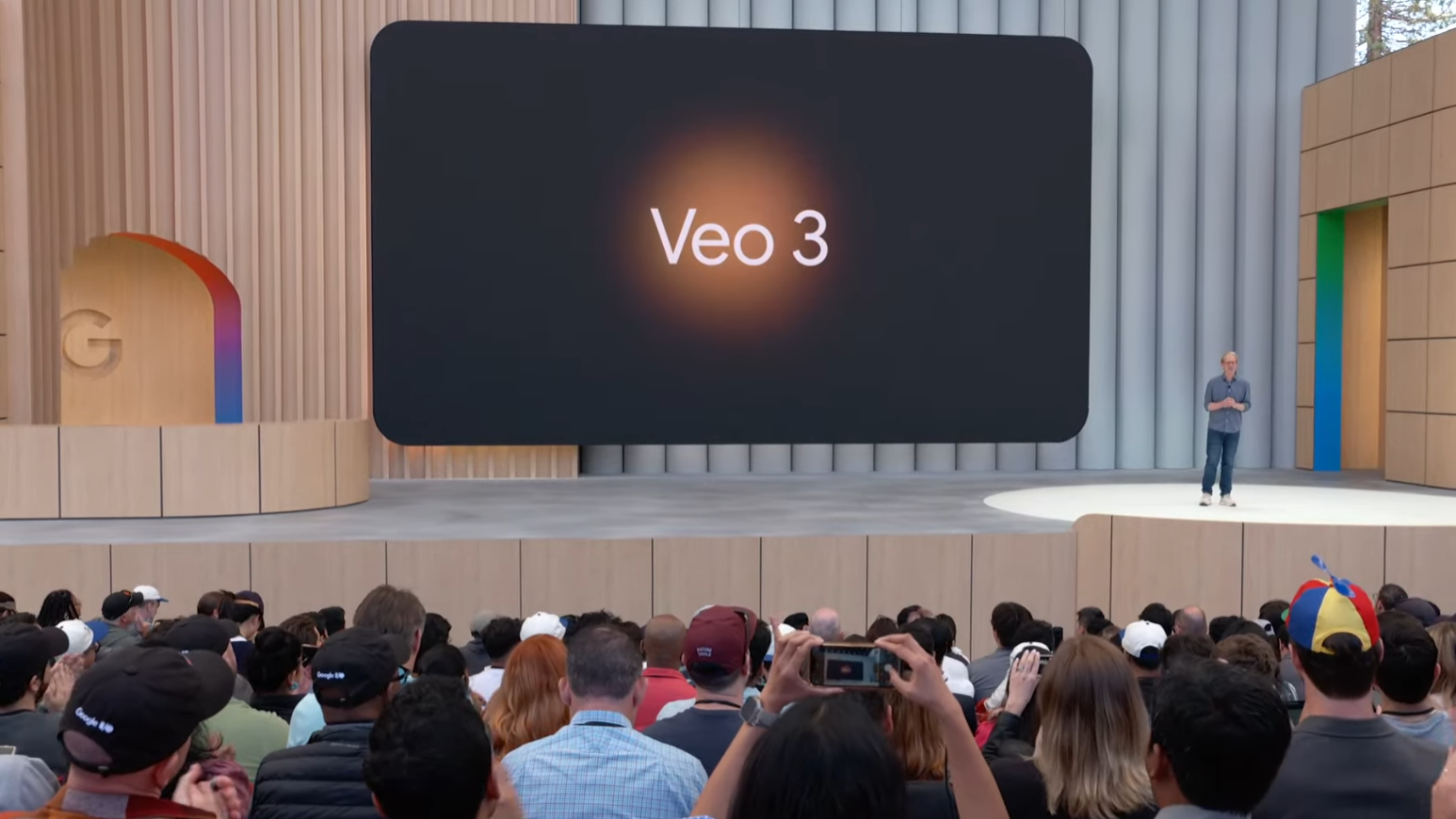
Then summer 2025: Veo 3 arrived. YouTube CEO Neal Mohan announced it at Cannes Lions, saying "cutting-edge AI technology will push the limits of human creativity."
The key difference with Veo 3 is that it generates video and audio simultaneously. First in the Veo series to do this — sound effects and character voices come out of a single text prompt.
By 2025, Shorts averaged over 200 billion daily views, and YouTube's Auto Dubbing alone dubbed 20 million videos in just six months. The numbers show just how seriously YouTube is betting on AI.
Veo 1, 2, 3 — What Actually Changed
Here's how Dream Screen has evolved across generations.
| Feature | Veo (2023) | Veo 2 (2024) | Veo 3 (2025–) |
|---|---|---|---|
| AI background generation | ✓ | ✓ | ✓ |
| Standalone clip generation | ✗ | ✓ (6 sec) | ✓ |
| Auto audio generation | ✗ | ✗ | ✓ (SFX + voice) |
| Physics rendering | Basic | Improved | More realistic |
| App-optimized version | — | — | Veo 3 Fast (480p) |
Veo 3 Fast is the YouTube-optimized build. At 480p, it prioritizes low latency over resolution — ideal when you need to quickly generate lots of B-roll or transition clips.
Why This Matters for Creators and Marketers
Until now, using AI video in Shorts meant friction. You'd generate in Runway or HeyGen, download the file, re-upload to YouTube. Extra subscriptions. Extra steps.
Dream Screen + Veo 3 collapses this into one app. No separate subscription. Generate in-app. Upload without leaving YouTube. For small teams and solo creators, this is real — especially for B-roll, intro/outro footage, and transitions that are annoying to film yourself.
High-performing prompt structure
"Subject + action + setting + style + camera + mood" works best. Example: a barista pouring latte art, cozy coffee shop, cinematic, slow motion zoom-in, warm golden tones — that level of specificity gets you what you actually want. Concept B-roll (hands, desks, laptops), metaphor scenes (climbing steps, building blocks), and motion hooks (fast zoom-in) tend to perform well.
How to Get Started Right Now
- Open the YouTube app and tap "+"
Select "Create a Short" to open the Shorts camera. - For AI backgrounds → Dream Screen
Select green screen from the sidebar, tap the sparkle (✨) icon, and choose "AI backgrounds." Enter a prompt and 4 images generate. - For standalone AI clips → Media picker → "Create"
Tap "Add" at the bottom of the camera view → select "Create" at the top. Enter a text prompt and 4 images appear. - Select your favorite image → "Create video"
Veo animates your chosen image into a 6-second clip automatically. Tap again for alternative versions. - Add to timeline → Edit → Upload
Drag the clip into your Shorts timeline, add text or music, then upload. YouTube auto-applies an AI-generated label.
Heads up
Currently mobile-only (not available in desktop YouTube Studio). Initially rolled out in US, Canada, Australia, and New Zealand, with broader availability expanding over time. All AI-generated Shorts automatically receive SynthID watermarks and AI labels visible to viewers.
Want to Go Deeper?
YouTube Dream Screen step-by-step guide (Primal Video) A solid walkthrough for first-time users — covers everything from image selection to clip editing. primalvideo.com
Google DeepMind — Empowering YouTube creators with generative AI The official post explaining how Veo and Imagen 3 were integrated into YouTube, with technical context from the DeepMind team. deepmind.google
Reap.video — Veo 3 Fast practical guide Breaks down the prompt structure formula with concrete B-roll examples and high-performing prompt patterns. reap.video
YouTube Blog — Neal Mohan at Cannes Lions 2025 The official announcement blog post where Veo 3 in Shorts was first revealed, with context on Auto Dubbing and other AI features. blog.youtube
eMarketer — Creators propel Shorts past 200 billion daily views Data-driven analysis of Shorts growth and what Veo 3 could mean for the creator ecosystem. emarketer.com
Hollywood Reporter — YouTube adds Veo 3 to Shorts Covers the Google AI Ultra subscription angle and broader industry implications of the move. hollywoodreporter.com