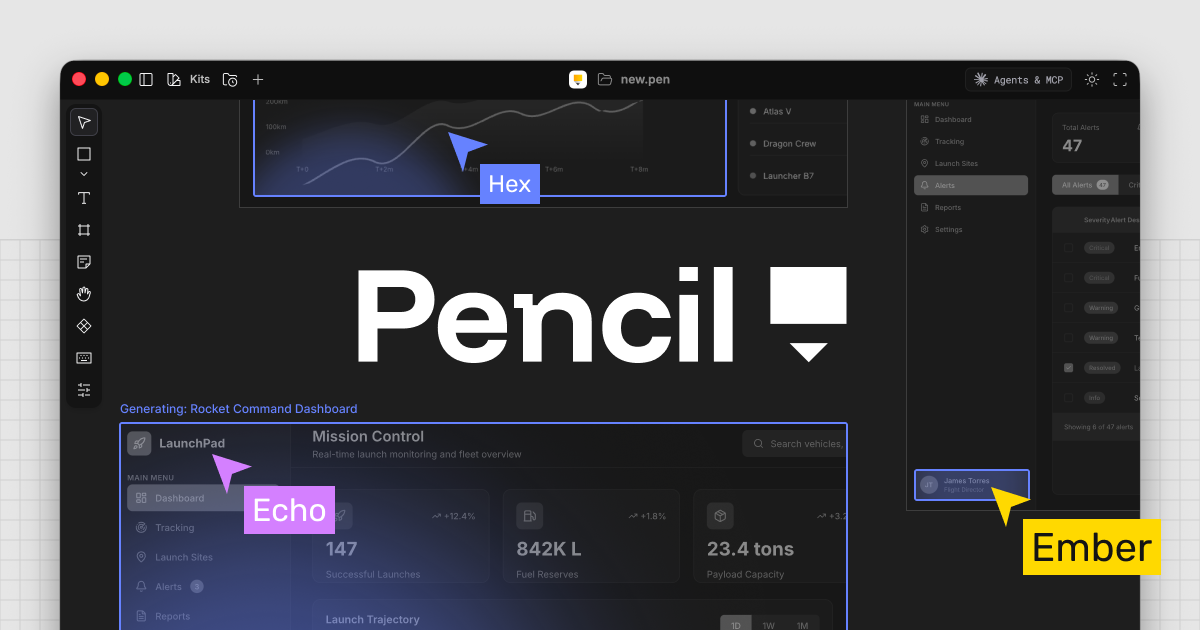
There was no way to stop a designer's Figma file from changing once it hit the developer's hands. Spacing would shift slightly, fonts would be subtly off, component structures would change. When designers said "this doesn't match," developers would reply "I got it as close as I could." This conversation repeated every single time. Paper Desktop is a canvas built to eliminate the handoff itself.
What Is It?
Paper is a design canvas that runs on HTML/CSS. It looks like a Figma-style infinite canvas where you design freely, but every element is rendered as real HTML elements with real CSS properties. Real flexbox layouts, real CSS properties, real font rendering.
Here's why this matters. Figma runs on its own proprietary rendering engine. When developers need to turn a design into code, they have to interpret the Figma format and translate it into HTML. That's where spacing drifts, fonts break, and component structures change. Because Paper's canvas is HTML/CSS itself, there's no translation needed when you export. What you see on the canvas is exactly what the browser renders.
Paper's founder Stephen Haney laid out the vision clearly — "Nothing gets lost in translation." Since there's no translation step between the design file and code, nothing disappears.
Paper's core features break down into four areas:
1. HTML/CSS native canvas. You place frames, text, and images like in Figma, but internally everything is composed of HTML and CSS. You can grab the code instantly with Copy as React or Copy as Tailwind.
2. AI agent connection via MCP server. When you open Paper Desktop, an MCP server starts automatically. Connect from Cursor, Claude Code, Codex, GitHub Copilot, or OpenCode — the agent can read from and write to the canvas.
3. Real data integration. Notion, Spotify API, a CMS, your internal DB — just tell the agent "fill this frame with real data." No more designing with dummy text and watching the layout break when real content gets plugged in.
4. Shader library. Mesh gradients, liquid metal, halftone patterns, glass effects — GPU-accelerated visual effects you can apply directly on the canvas. Video export is also available.
The key insight: LLMs understand the DOM really well
Paper isn't HTML/CSS-based just to eliminate code conversion. LLMs understand the DOM extremely well. Reading an HTML tree is far more accurate and natural than parsing Figma's proprietary format. When an agent reads a design, it's reading the DOM — not interpreting a Figma file.
What's Different?
92% of designers and 91% of developers say the handoff process needs improvement. There have been many attempts to solve this, but none have addressed the root cause — design tools and code speak different languages.
| Traditional (Figma → Dev) | Paper Desktop | |
|---|---|---|
| Canvas engine | Proprietary rendering engine (Figma format) | HTML/CSS (web standards) |
| Code conversion | Figma → HTML translation required (handoff) | No translation needed — canvas = code |
| AI agent accuracy | Must interpret proprietary format | Reads DOM directly (LLM-friendly) |
| Design ↔ code sync | One-way (design→code) or manual updates | Bidirectional real-time sync |
| Real data | Design with dummy text, swap later | Connect real data from APIs/DBs directly |
| Version control | Figma's built-in history | Git branches & merges |
There are other tools taking a similar approach. Here's how they compare.
| Tool | Focus | Strengths | Weaknesses |
|---|---|---|---|
| Paper | HTML/CSS canvas + MCP | Canvas = code, bidirectional agent connection, shaders | Open alpha, component system incomplete |
| Figma + MCP | Design→code + Code to Canvas | Mature ecosystem, large team support | Proprietary format → translation required |
| MagicPath | AI design generation → code | Generate UI from text/images, Figma import | Canvas isn't code-native |
| Subframe | Canvas → React code | Production-grade React code, CLI sync | React-only, limited versatility |
Paper's fundamental differentiator is that the canvas itself is web-standard. Figma has been adding AI features like Code to Canvas and Figma Make, but it's still stacking translation layers on top of a proprietary format. Paper has no translation layer at all. When a designer edits copy on the canvas, the agent pushes it back to the codebase. When a developer changes the code, it reflects on the canvas. One source of truth.
Repetitive tasks like responsive layouts, style variants, and consistency checks get handed off to the agent. Designers only need to focus on decisions the agent can't make. Paper calls this "anti-slop" — the philosophy of letting agents handle boilerplate while humans focus on creative decisions.
Things to keep in mind
Paper is currently in open alpha. The component system (slots, props support) is still in development, and CSS Grid is in the planning stage. It's not as mature as Figma. But they're deploying to production almost daily, and they're preparing native Tailwind integration. Recommended for those who want an early look at a new workflow where design-to-code round-tripping is actually possible.
Quick Start Guide
- Download Paper Desktop
Install the desktop app from download.paper.design. It's a free open alpha — no credit card needed. There's also a web version (app.paper.design), but the MCP server only works with the desktop app. - Connect your AI agent
For Claude Code users, it's one line in the terminal:claude mcp add paper --transport http http://127.0.0.1:29979/mcp --scope user
Cursor users can just hit the one-click install button on the Paper docs page. - Create your first design
Open a file in Paper and ask the agent: "Use the Paper MCP server to design a landing page hero section." The agent creates HTML elements directly on the canvas. - Edit directly on the canvas
Modify frames, text, colors, and layouts visually — just like Figma. Create flexbox containers, adjust gaps, apply shaders. Your changes can be pushed to code by the agent. - Export to code
Ask the agent: "Turn the selected design into React + Tailwind." Paper MCP reads the design and generates the code. Commit to Git, branch, merge, and you're done.