Loading...

A Working Reference original

Your Figma file, 98% the same in code

“The mock is already perfect. Why does the build look like another screen?” — we made this skill out of that exact frustration. We’ll show you the same mock, built two ways: the usual route and pix.

Figma original

The file the designer handed over
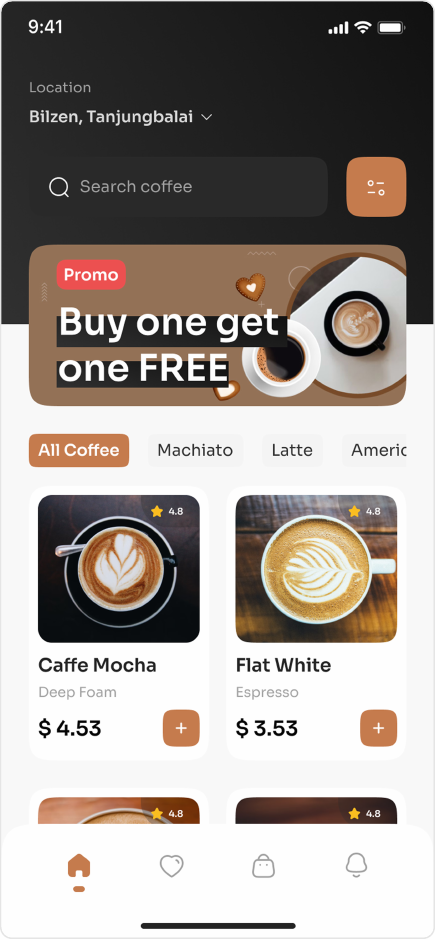
Original Figma mock — home screen of a coffee-order app
Asked MCP to do it

“Build this design”
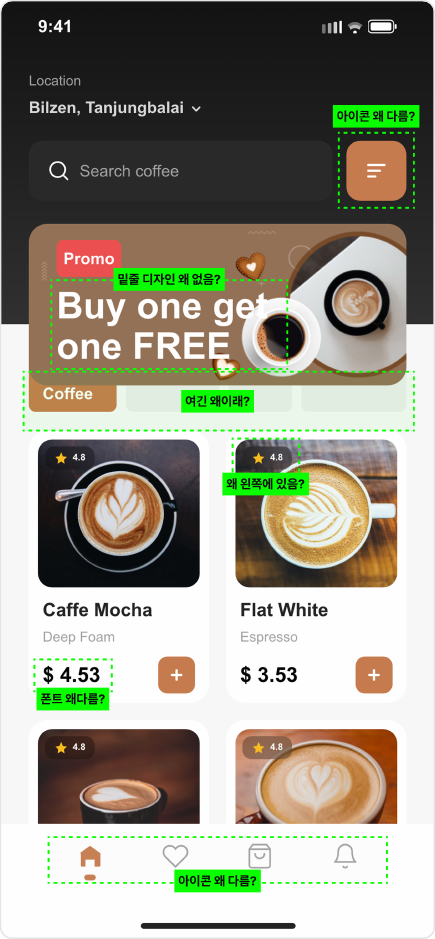
Screen built with MCP — missing icons, with font and banner drift marked in green
Asked pix to do it

Same ask, skill added
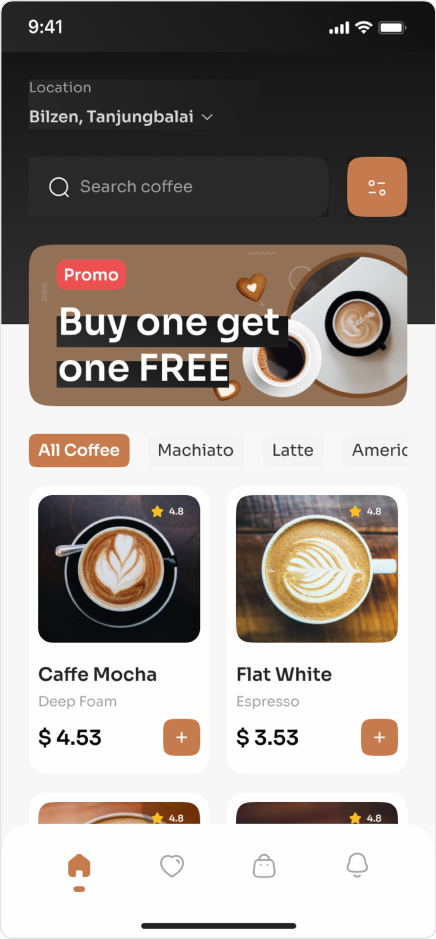
Screen built with pix — close enough that it’s hard to tell from the original
We ran this ourselves. The middle one is the usual route (Figma MCP hooked up) — icons vanished, type slipped, and the banner design fell apart. Every green mark is a miss. pix writes the code, then pixel-diffs it against the original (Pixelmatch) and keeps fixing until it’s 98%+ the same.
Figma original

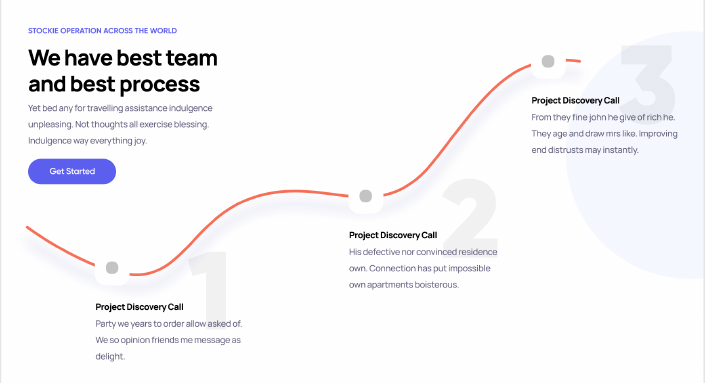
Desktop landing mock

Desktop landing Figma original
Asked pix to do it

The screen that came out of code
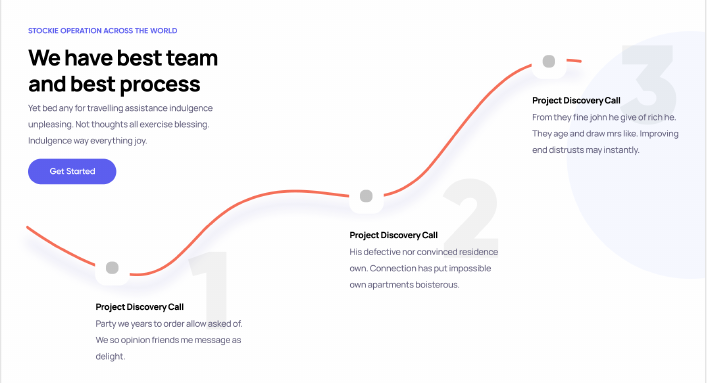
Desktop landing pix built in code — matches the original
Same story on desktop. It’s hard to tell which side is the mock and which side is code.
Members only

← AI Skills