Why does AI rebuild buttons when you already have a design system?
When you hand a Figma screen to a coding agent, it may create new React and CSS that look similar instead of using components that already exist. The screen may be close enough, but developers then have to revise the code again to find the correct import path and props. You have a design system, but the agent does not know where it is.
Coinbase compared conditions three times using the same design, an intentionally ambiguous prompt, the Sonnet 4.6 model, and an empty codebase reset for every run. It reported that, with Code Connect, average tokens fell 11.5%, implementation time fell 22.3%, and cost fell 22.5%, with all three metrics improving in every run.
That said, this was a small internal evaluation of one design, and per-run raw data, variance, and statistical testing were not published. It does not mean every team will save 22.5%. The practical takeaway is the mechanism: putting production components at the starting point can reduce an agent’s searching, guessing, and rewriting.
Code Connect tells agents where the right code lives
Code Connect links Figma components to the actual components in your codebase. When the Figma MCP server reads those links, it can provide agents with code snippets that include the real import, component name, and current design property values.
| Implementation step | Without connection information | With Code Connect |
|---|---|---|
| Component selection | Search the repository or write a similar UI from scratch | Start with the mapped production component |
| Property conversion | Look at Figma properties and guess the code API | Use defined prop conversions |
| Styling | May create new CSS or approximate values | Easier to reuse existing components and tokens |
| Revision work | May lead to more searching, debugging, and replacement | A narrower initial candidate set reduces unnecessary exploration |
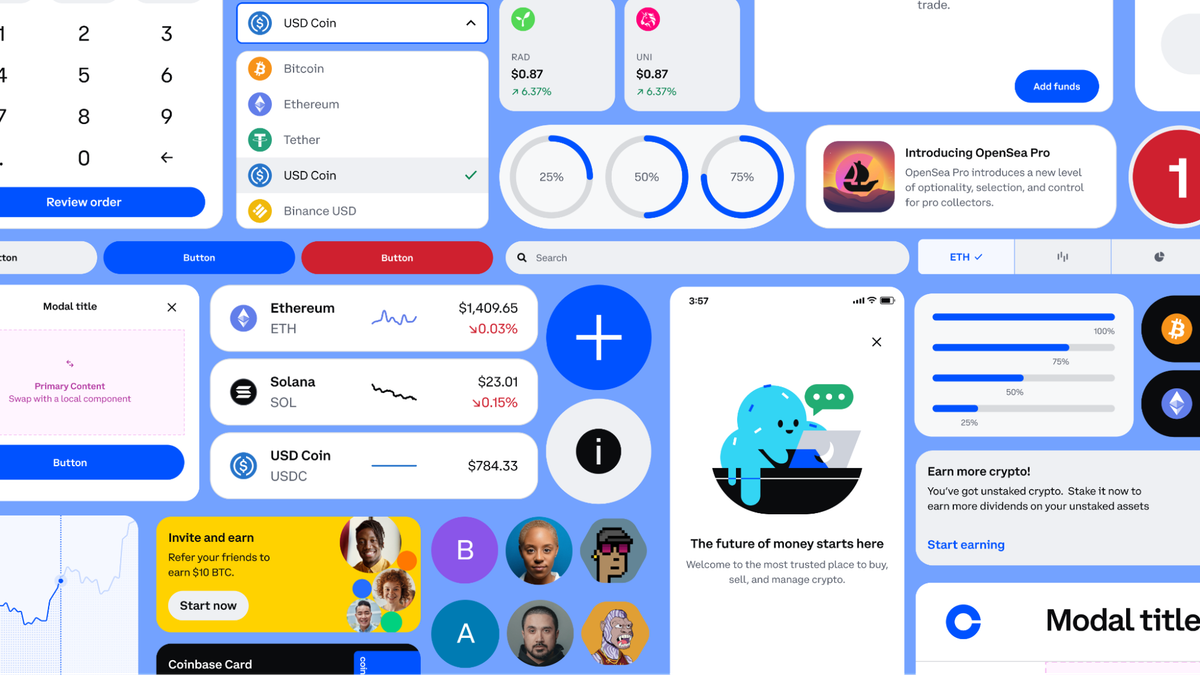
Coinbase’s public design-system repository has separate packages for Web React, React Native, Android Compose, and iOS SwiftUI implementations. Even buttons with the same name can have different import paths and APIs by platform, so a connection that points to the real implementation is more useful than a list of component names.
Your first success is getting one component into Inspect
You do not need to imitate Coinbase’s Stepper or connect an entire library from day one. Start with one Button whose Figma properties and production API you can verify directly. The template in the following steps is an input example based on the official structure; it is not the actual mapping used by Coinbase.
Code Connect is currently available to Full and Dev seats on Figma Organization or Enterprise plans. Before starting, prepare a Figma library with root components, the actual component repository, Node.js 18 or later, and a personal access token configured with Code Connect Write and File content Read scopes.
- Install the CLI. Check the Node.js version used by the repository, then run
npm install --global @figma/code-connect@latest. - Create a configuration file. Add the minimal configuration below to
figma.config.jsonat the repository root. If you place templates elsewhere, change theincludepattern for that path.
{
  "codeConnect": {
    "include": ["**/*.figma.ts"],
    "label": "React",
    "language": "jsx"
  }
}- Copy the root component URL. In Figma, right-click the root component for the Button you want to connect and select Copy link to selection.
- Write
Button.figma.ts. Replace the example’s URL, Figma property namesLabel,Disabled, andSize, enum values,ButtonAPI, and import path with your team’s real values. Also choose anidthat does not conflict within the repository.
// url=<Root component URL copied with Copy link to selection>
import figma from 'figma'

const instance = figma.selectedInstance
const label = instance.getString('Label')
const disabled = instance.getBoolean('Disabled')
const size = instance.getEnum('Size', {
  Large: 'large',
  Medium: 'medium',
  Small: 'small',
})

export default {
  example: figma.code`
    <Button size={${size}} disabled={${disabled}}>
      ${label}
    </Button>
  `,
  imports: ['import { Button } from "components/Button"'],
  id: 'button',
}
- Compare it with the source code. Verify that Figma property names are exact, every enum selection converts to a real prop value, and the import path and defaults match current production code. A bad connection can deliver the wrong answer faster.
- Authenticate and publish. Do not write a personal access token directly in the repository or command history. Load it into
FIGMA_ACCESS_TOKENthrough your organization’s secret-management method. From the repository root, runnpx figma connect publish. - Check the rendered code snippet. Open the component URL returned by the CLI, switch to Dev Mode, and inspect the Inspect panel. The first success criterion is a displayed code snippet that reflects your defined import and the current Figma property values.
Inspect is not where you edit mapping definitions.
Compare the result snippet shown in Inspect side by side with the source Button.figma.ts. If the import or prop values are not what you expect, update the template’s property names, enum conversions, or code API and publish again. Even after this works, you cannot yet conclude that AI coding costs have fallen.
Cost comparison is an optional step after publishing succeeds
Publishing Code Connect and comparing AI coding are separate tasks. To compare, you must separately connect the Figma MCP remote server to a supported coding client and authenticate with a Figma account. The official remote-server installation documentation lets you choose setup instructions by client.
Record your baseline first on an isolated evaluation node where Code Connect has not been published. Do not disconnect links in the production library; use a duplicate file or a separate evaluation node. Keep the same design link, prompt, model, repository starting state, and cache conditions before and after connecting.
Implement this Figma design in the current repository: <the same Figma design link>. Prioritize design-system components already in the repository, and report the build and test results after implementation.
This request is an example of comparison input. Do not change the wording between conditions, and record input, output, cache-creation, and cache-read tokens, actual billed cost, completion time, and number of tool calls for every run. Where tokens and costs are visible depends on the client and billing path you use, so decide which logs or billing records the team can access before comparing.
Your success criteria should also include whether the correct existing components and design tokens were used and whether builds and tests pass. If costs fell but the UI was rebuilt in raw CSS, it is hard to call that a success in reducing search cost.
22.5% is a comparison hypothesis, not a target
Token reduction and cost reduction do not have to match. Claude applies different rates to base input, cache writes, cache reads, and output tokens, and records usage separately. Because Coinbase did not publish per-run token types or its cost formula, outsiders cannot recalculate the gap between 11.5% and 22.5%.
A separate Figma evaluation found improvement in the same direction. Across 27 test cases for two React-based design systems, median token usage dropped 29.5% and task time dropped 19.6% with Code Connect, while median code quality rose from 2 to 3 on a 1–4 scale. The Coinbase evaluation used different models, tasks, and aggregation methods, so the two results should not be combined into a single average savings rate.
One variable worth watching is connection coverage. In Figma’s evaluation, an example system where Code Connect snippets made up 20% of MCP responses on average improved more than an internal system where they made up about 6%. Those figures are observations from different systems, not recommended targets. Do not look only at your overall average; break down your own results by the design-system components on a screen and the actual share that is connected.
Manage connection files alongside components
If a pilot reduces searching and rewriting, expand coverage starting with components that are reused often and prone to errors. Coinbase says it used Claude Code and related skills to expand from a state with stale mappings and unconnected components to hundreds of mobile and web components in about four hours. This is Coinbase’s own report and should not be used as an expected timeline for other teams.
When you release a new component or change props, review the Code Connect template in the same change. Coinbase also says it synchronizes the corresponding templates when creating or modifying components. Fresh connections are an asset that reduces searching, but stale ones become debt that spreads outdated imports and props quickly.
To dig deeper
How Coinbase used Code Connect to guide agents and shrink token costs — Review Coinbase’s comparison conditions, results from three runs, and operating approach. figma.com
Better code, fewer tokens: The benefits of Code Connect in MCP — Explains quality evaluation across 27 test cases and differences by connection coverage. figma.com
Getting started with Code Connect CLI — The official getting-started guide covering installation, authentication, template authoring, publishing, and Inspect verification. developers.figma.com
Set up the remote server (recommended) — Find the Figma MCP connection method for each client when continuing from publishing to an AI coding comparison. developers.figma.com