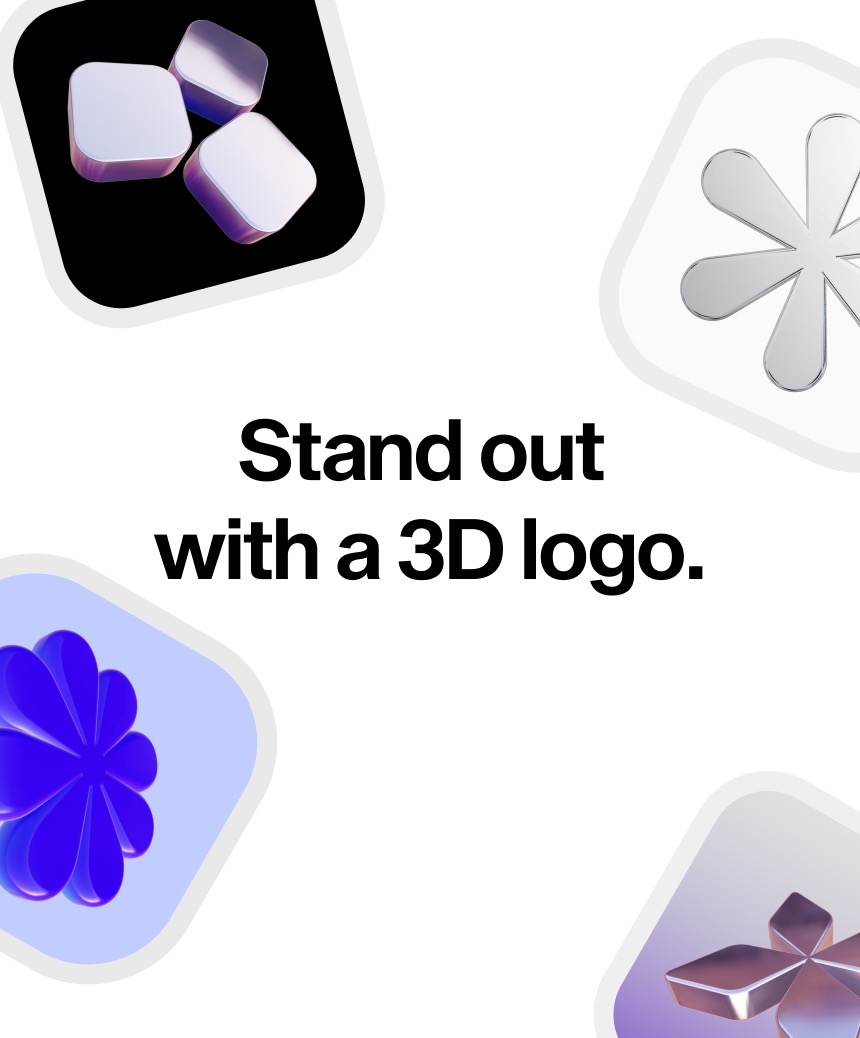
Turning a logo into 3D used to mean firing up Blender and spending hours on it. Now you just drop an SVG file and get a 3D logo in your browser in 10 seconds. No signup required.
What Is This?
Formia is a free web tool that converts SVG logos into 3D right in your browser. It's built by a developer named Ethan, using React and Three.js under the hood. No signup needed, no watermarks, and it's completely free for commercial use.
It's not just "showing your logo in 3D." It actually extrudes the 2D vector paths into real 3D objects, and you can orbit around them interactively in the browser. On top of that, it generates 360° rotating HD videos with a single click.
Why is this blowing up now? Demand for 3D logos keeps growing, but the barrier to entry has been ridiculously high. Professional tools like Blender have steep learning curves, and outsourcing gets expensive fast. Formia nails that gap perfectly — it's a tool that lets anyone make their logo look premium without any 3D expertise.
What's Actually Different?
There have always been ways to make logos 3D. Import SVG into Blender and manually extrude, use Cinema 4D, or hire a designer. The problem? Every option required time, money, or specialized knowledge.
| Blender (Manual) | Freelance Designer | Formia | |
|---|---|---|---|
| Time | 1-3 hours | 2-7 days | 10 seconds |
| Cost | Free (learning time not included) | $50-$500+ | Free |
| Skill Required | Intermediate-Advanced | None (outsourced) | None |
| 360° Video | Extra rendering needed | Separate request | One-click generation |
| Commercial Use | Free | Depends on contract | Free (no watermark) |
There are similar tools in this space — Vextrude, 3D AI Studio, ImageToStl, and others that do SVG-to-3D conversion. But most of them focus on generating STL files for 3D printing. What sets Formia apart is that it's built specifically for branding assets — app icons, social media profiles, Twitter banners, Instagram stories, app store screenshots, pitch decks, and more.
Key Takeaway
If 3D printing is your goal, Vextrude or ImageToStl is a better fit. If you need branding and marketing visuals, Formia is way faster.
Getting Started: The Essentials
- Prepare Your SVG File
Get your logo in SVG format. You can export from Figma, Illustrator, etc. If your logo has complex filters, clipping, or gradients, simplify them first for the best results. - Upload to Formia
Head to formia.so and upload your SVG file. No signup or login required. - Preview in 3D
Your logo converts to 3D instantly. Drag to orbit around it 360 degrees and check it out from every angle. - Download Your Assets
Export as HD images, 360° rotating videos, app icons — whatever format you need. No watermarks, commercial use included.
Heads Up
Formia only supports SVG files. If you have a PNG/JPG logo, you'll need to convert it to SVG first. Also, since it's browser-based 3D rendering, it can be heavy on some devices — desktop browsers are recommended over mobile.