Visual AI tools are everywhere, but using them in real production workflows has a catch: once you get a pixel output, you can't meaningfully edit it.
a16z partner Yoko Li put it precisely: "The most interesting visual AI tools today have stopped trying to generate the final output. Instead, they're generating the source code behind it."
Everyone thinks "visual AI" means Midjourney
Midjourney, DALL-E, Stable Diffusion — they're all pixel-native. They take a text prompt and output a finished image directly.
Pixel-based generation does some things brilliantly: texture, atmosphere, lighting, realism. For marketing visuals or concept art, they're still powerful. But the problem shows up after generation.
| Pixel-native AI | Code-native AI | |
|---|---|---|
| Output format | PNG, JPEG images | SVG, HTML/CSS, Lottie JSON |
| Editing | Regenerate or manual Photoshop | Edit directly in Illustrator or code editor |
| AI iteration | AI can't see its own output (shoots blind) | Code → Render → Inspect → Revise loop |
| Constraint validation | Impossible — pixels have no constraints | Auto-validate colors, sizes, component reuse |
| Production integration | Manual file handoff | Component reuse, CI/CD automation |
Here's why a16z bet $8.3M on code-writing AI
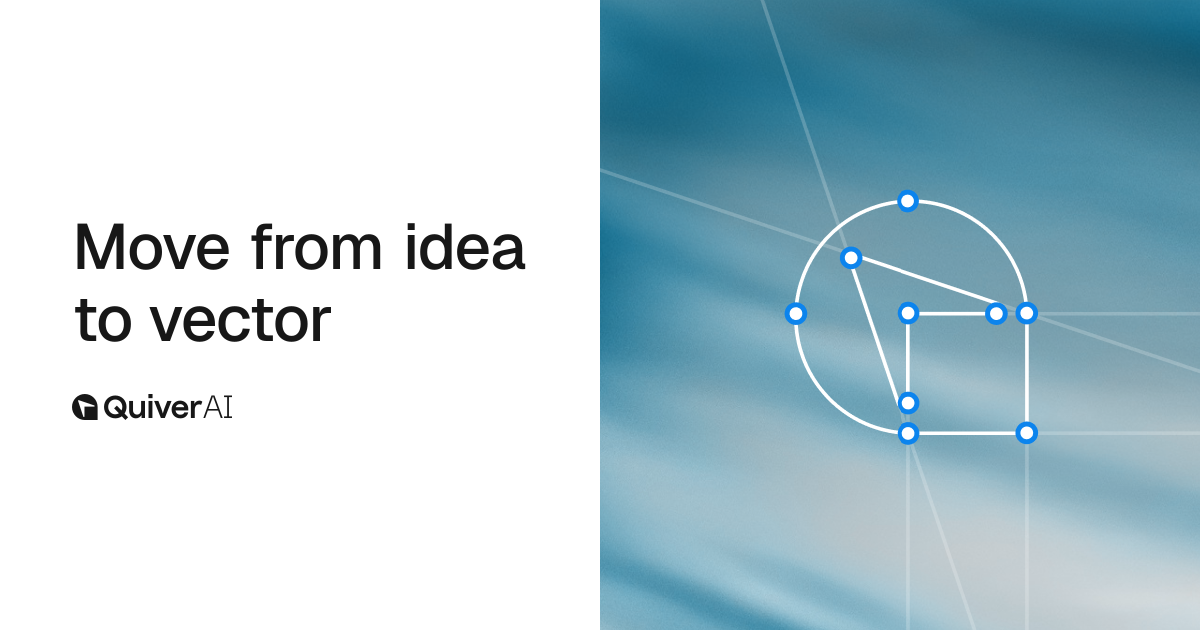
In 2026, a16z led an $8.3M seed round in Quiver AI. Quiver doesn't make an image generator. It builds AI models that take text prompts or raster images and produce SVG code directly.
Why is this approach stronger? Yoko Li breaks it into three reasons.
- You can iterate
Code-native systems support a "Code → Render → Inspect → Revise" loop. Pixel AI has no feedback mechanism — the model can't see what it produced. Code lets the AI inspect its own output and debug it. Li calls this "the model debugging a visual program in a closed-loop, renderable environment." - You can validate
Code supports constraints. Color palette compliance, size requirements, component reuse — none of this is possible to verify with pixels, but SVG and HTML/CSS are just code that can be automatically checked. - You get real precision
3D assets are a clear example. "A 3D asset cannot be useful if it simply looks right from one angle." You need consistent geometry, materials, and part hierarchy — things only representable in Blender scripts or USD scene graphs.
The market is organizing around runtimes: browsers (HTML/CSS), vector renderers (SVG), animation players (Lottie), 3D engines (Blender, USD). Each runtime is spawning its own specialist AI tools.
Which tools are already doing this?
Quiver AI — SVG generation: Takes text prompts or raster images and produces editable SVG logos, icons, and illustrations. With Arrow 1.1, text-to-SVG costs dropped 33.3% and vectorization dropped 50%.[[cite:3][cite:4]] They also offer an MCP server so Cursor or Claude can generate SVG assets directly into your project.
Paper — HTML/CSS canvas: "The connected canvas for teams shipping with agents." Looks like Figma, but it runs on HTML/CSS — so "design exports as code. Nothing gets lost in translation." AI agents like Claude, Cursor, and GitHub Copilot can access the design canvas directly via MCP.
More tools to watch
In animation: OmniLottie converts Lottie JSON into AI-friendly command sequences. In 3D: VIGA uses Blender feedback loops for 3D asset generation, and Articraft3D frames articulated 3D generation as writing semantic programs.
How to start using this today
- Create a Quiver AI account
Head to quiver.ai and sign up free. Try generating a logo or icon from a text prompt in the web app — the difference from pixel AI is immediately obvious. - Edit the SVG output
Drag the generated SVG into Illustrator or Figma. Unlike a pixel image, the layer structure is fully intact. Change colors, resize, reshape — all editable. - Connect via Cursor MCP (for devs)
In Cursor Settings → MCP, add the endpoint https://app.quiver.ai/mcp. Then just ask the agent in natural language: "Create 3 SVG icons for this project and drop them in /src/assets." - Try Paper for agent-driven design
Install Paper's desktop app and connect via MCP. Claude or Cursor can then work directly on an HTML/CSS-based canvas — the closest thing to "Figma for the agent era."[[cite:5][cite:6]]
Pixel AI isn't going anywhere
The mood, texture, and atmosphere of Midjourney or DALL-E is hard to replicate with code-native approaches. The most practical workflow right now is to use pixel AI for mood references, and code-native AI for production-ready editable assets.